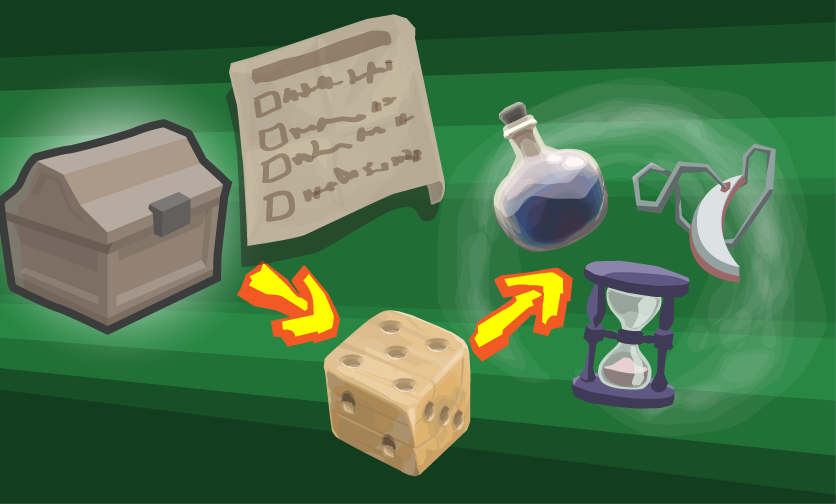
I created a useful tool for UnityEditor. It helps to preview the loot that would be generated if, for example, a chest was opened.
Loot Definition Assets
In my game, I provide a flexible way to specify loot. In this case, I created several lists of items of a specific category (e.g. plant-based, alchemical ingredient; or mage accessoir) and of a specific quality (common, advanced and rare). Such item lists compose a LootPreset asset which I can then use to generate loot. Such classes – like the LootPreset and the loot item list – extend ScriptableObject, so they are editable from within UnityEditor.
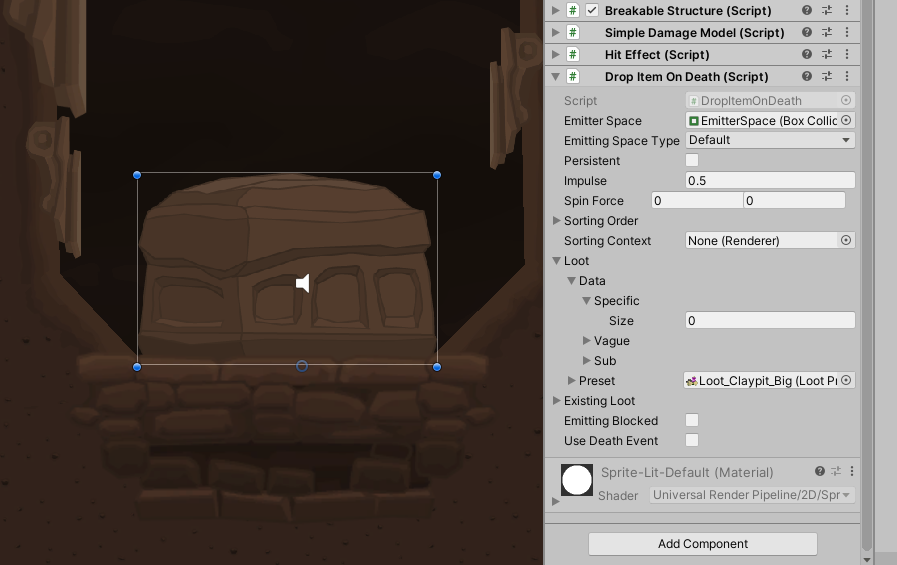
To take effect, the loot definition asset has to be linked within the behaviour which emits the generated loot on demand.
A class LootItemGenerator generates a list of item stacks from getting such a loot definition asset.
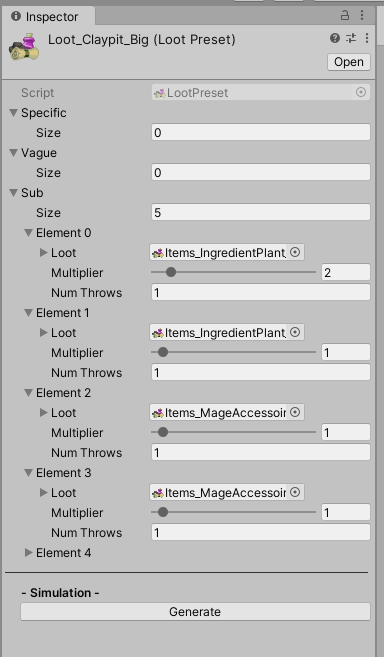
With a custom PropertyDrawer for my loot information objects, I can make all required details easily configurable. New items can be added to the list. The quantities[1] of amount and generation chance are offered. Such values can vary within a specifyable range. That means: there are up to two throws per item – one for the generation chance at all, and one for the size of the created item stack. Default values are 1 to 1 for the amount and 100 to 100% for the chance.
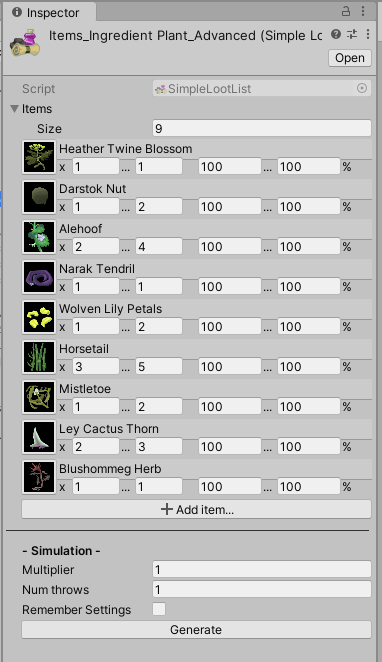
Preview in Editor of Unity Asset
The magic starts when pressing the “Generate” button… the same logic is triggered that would generate the loot at runtime. The result is displayed beneath. Pushing the button anew will update the loot preview list while clearing the previous loot generation result.
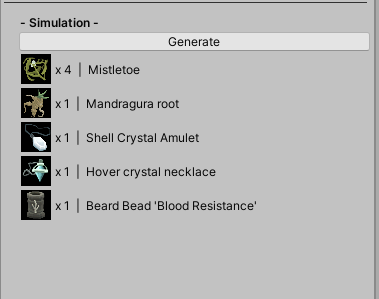
Because the code was well structured and the feature is very helpful, I integrated that simulation option into all asset options. The code of the editor class looks like this:
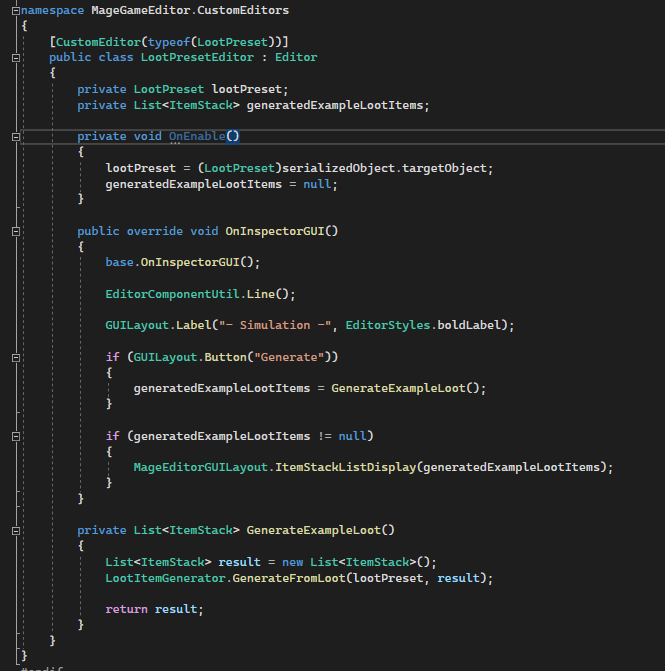
OnEnable(), called whenever a LootPreset asset is selected, resets the loot items that were generated for preview.The actual drawing of the gui components is a repeatedly used task, and hence, excluded to other classes like MageEditorGUILayout.
Feature Evaluation
Starting with the good points: It was easily implementable and easily re-usable code-wise. It reduces the time to test loot generations and removes the neccessity to start the game. On the downside, there are just some general points of critique: It is an editor tool which is non-essential for the development; it is just improving development speed. Time invested into non-essential editor tools could’ve been invested in developing the game itself.
However, it is good to have this feature, since it helps significantly to flesh out the whole feature of loot generation itself. To boil it down: If you enjoy developing with something, you will develop more with it.
[1] Quantity is one of my data classes
Image sources: Yves Scherdin, Screenshots from UnityEditor and VisualStudio (2025)