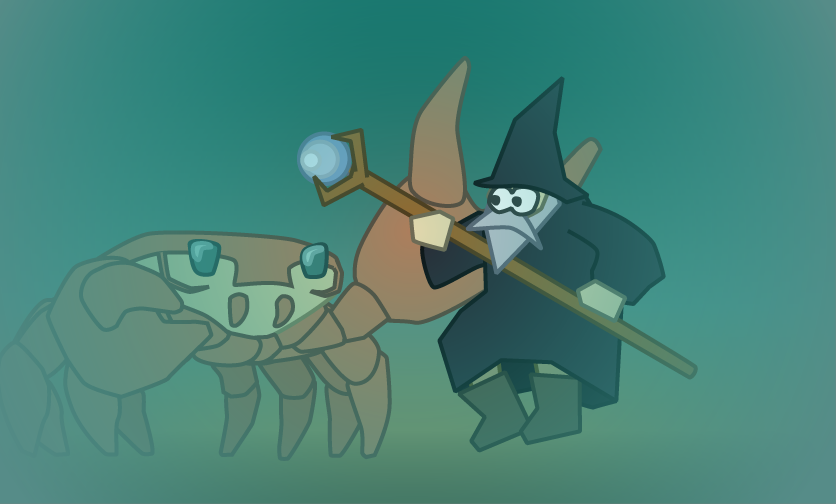
I created a shader mechanism (+ MonoBehaviour) to reveal murky water within visual range the moment a player jumps into that water.
This article will show how it looks within the game, after diving into the virtual water, we will dive into the mechanics behind it.
Visual Preview in Action
So, how does it look now?
The Principle
What are the components?
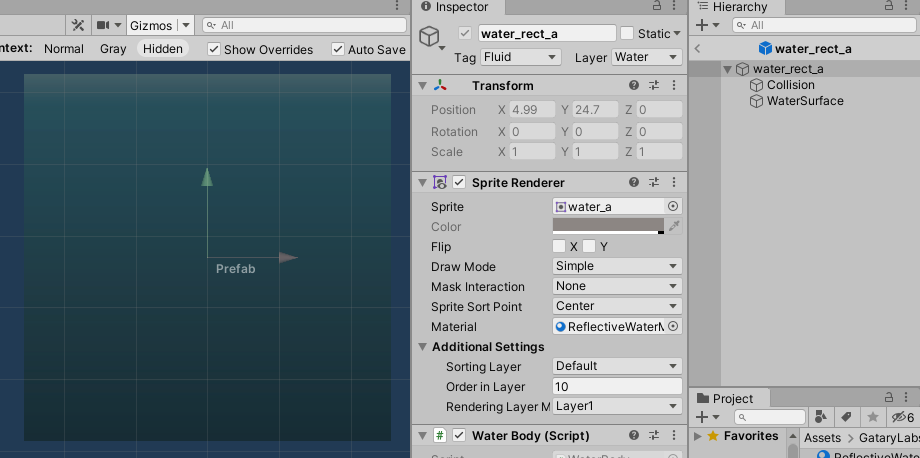
There are some components to set up:
- having a game object as water body
- in my case: a scale game object with an sprite renderer with a fix, un-repetitive, rectangular texture (in my case, a linear gradient)
- having a shader that is fed informations about…
- the size of the water body
- player position within water body
- underwater vision range (of the player character)
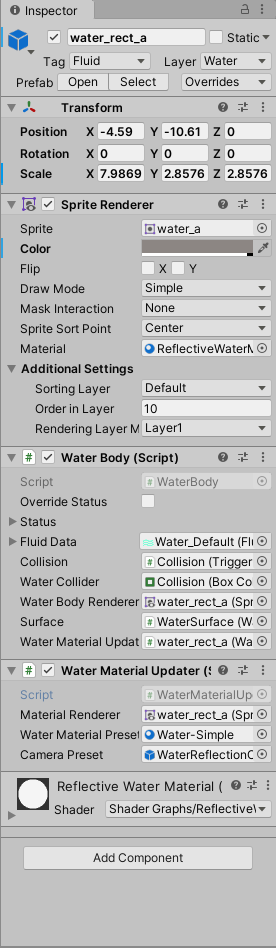
- having a water material with shader and water texture linked
- having water material updater as MonoBehaviour on the water body
Mystic ocean – how are you made?
Just as reminder: The following picture was the target to achieve…
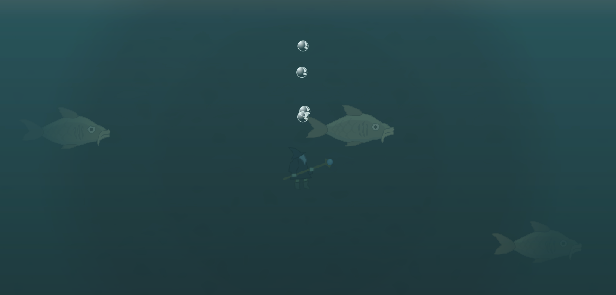
What do we work with when we create the shader?
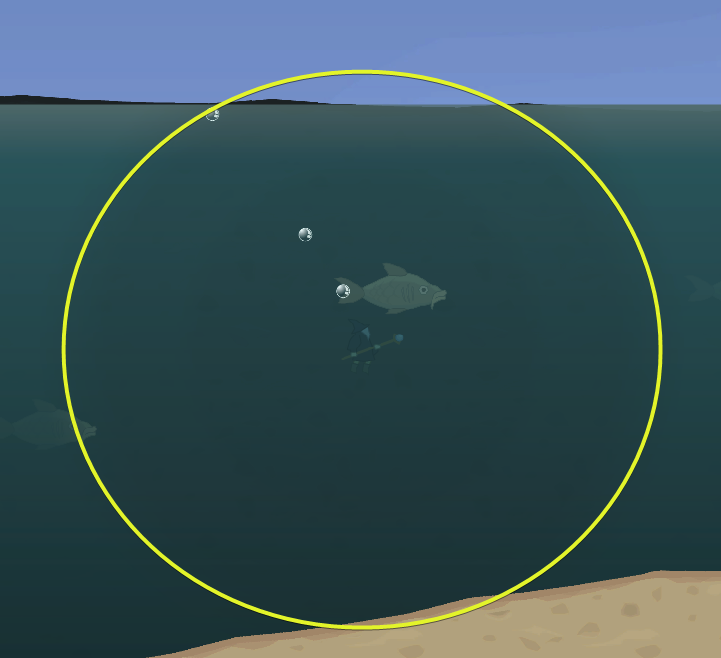
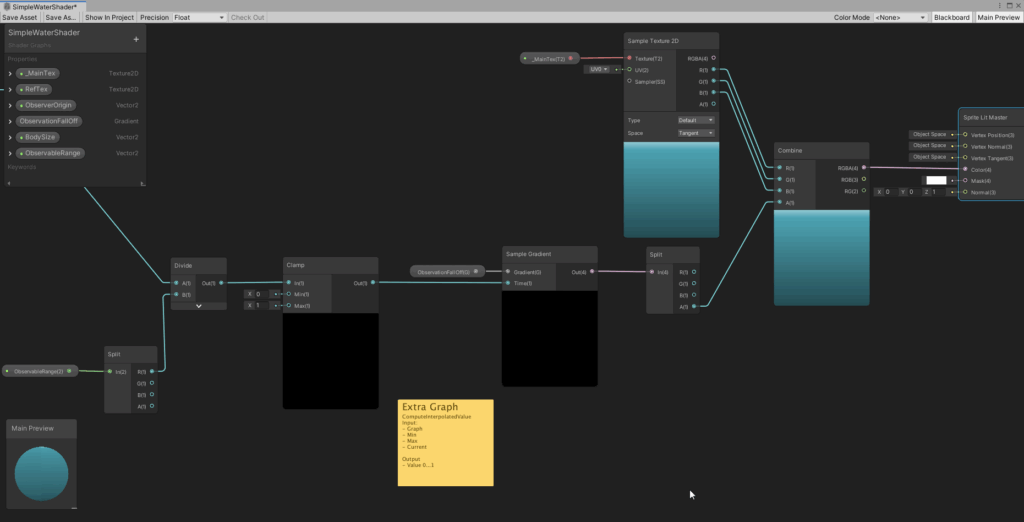
Each pixel of the original texture is processed. What we want to achieve is an increase of transparency depending on UV-coordinates. Therefore, the UV-coordinates need to be in proximity of the point of the texture where the player character currently is at. The delta is computed and limited between…
- distance >= visual distance ⇒ total murkiness
- distance == 0 ⇒ best sight underwater
The yellow circle in the graphic beneath emphasizes the visual range.
The Shader
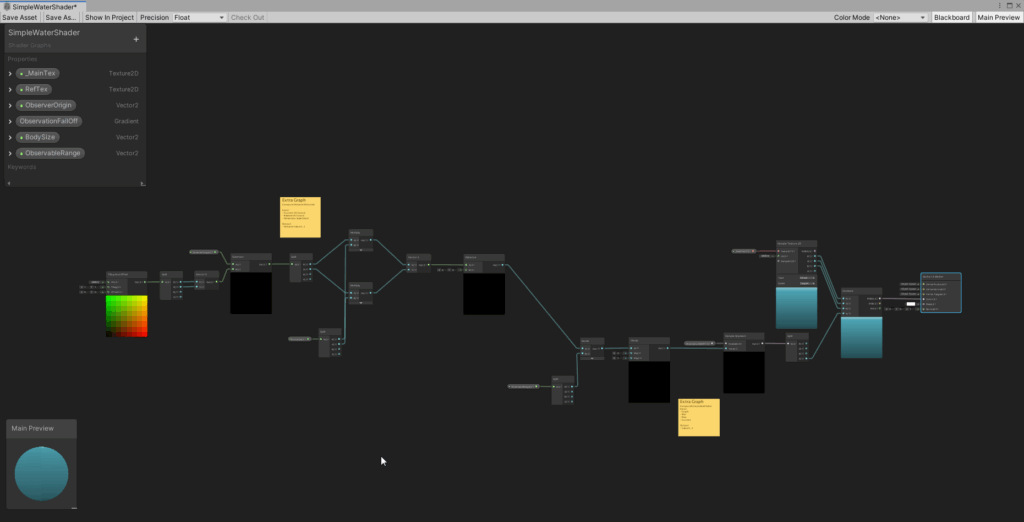
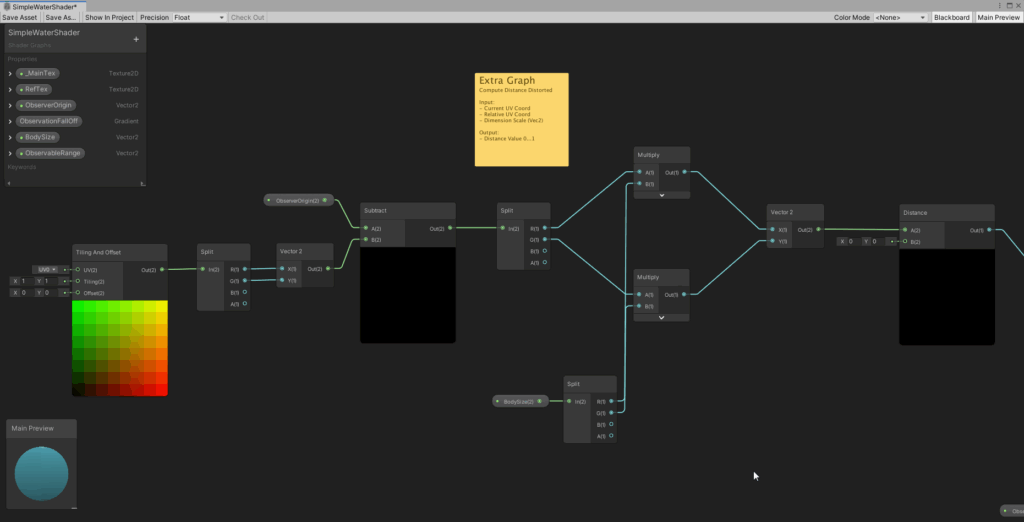
The full shader is at display here. In the end, only the alpha value is changed. And all this work you can see below, is only done for the alpha channel. We have coordinate space conversion from world coordinates to texture coordinates, distance computation and finally, the calculation and assignment of the alpha value.
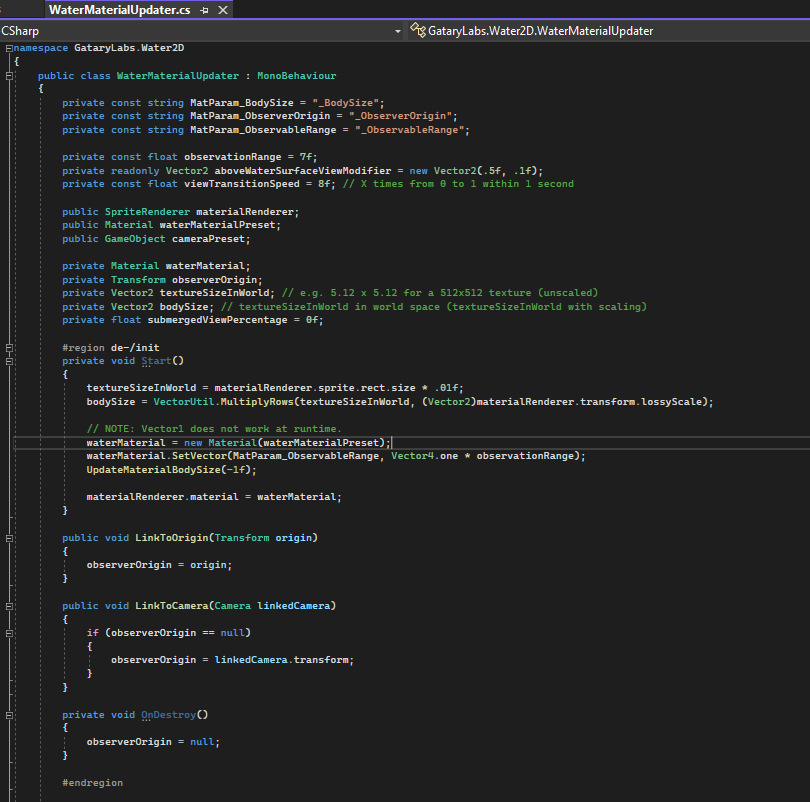
A noteworthy detail: Passing simple float values as Vector of dimension 1 – which I needed for the visual range – was not possible. A wrong value was passed when I used Vector1 all the time. That must’ve been a Unity bug. Instead, I used a vector of dimension 2, ignored the 2nd value and everything was fine in the end. Drove me nearly crazy, nonetheless.
Instead of going to deep into the detail on my side, I to study the shader itself
The MonoBehaviour(s)
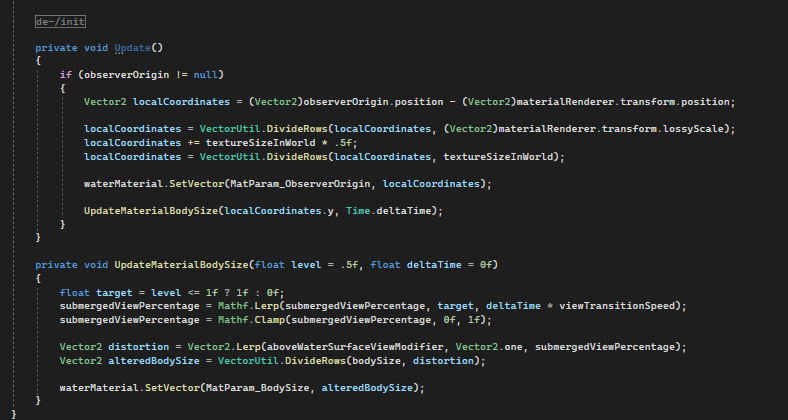
The monobehaviour side helps with the initialization of the shader. Therefore, the material is created at runtime and the connected shader is assigned. Also assigned are the shader parameters neccessary for computation. As already mentioned, the body size is relevant here. It is used to convert between coordinate spaces. Things may be very different when using a repetitive texture, like with a filled SpriteShapeRenderer. But this is not the case here. Just be aware of that.

Murky Water as a feature in GameDesign
It is definitively an interesting feature and increases the tension when exploring a level. I am capable of making water murky in the first place, things can now be hidden beneath the water surface, diving into water looks and feels somehow more real and so on…
Finally, I want to thank Johannes for the tip, who made me aware of the existence of such a feature.
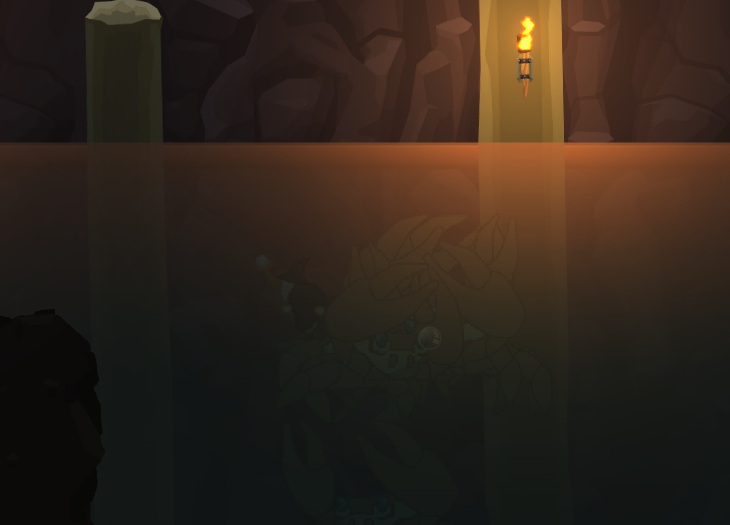
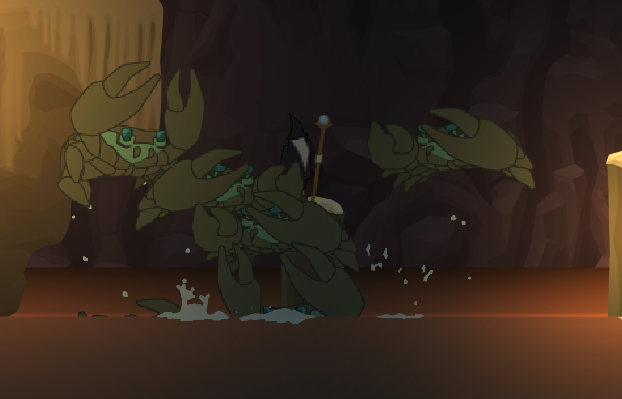
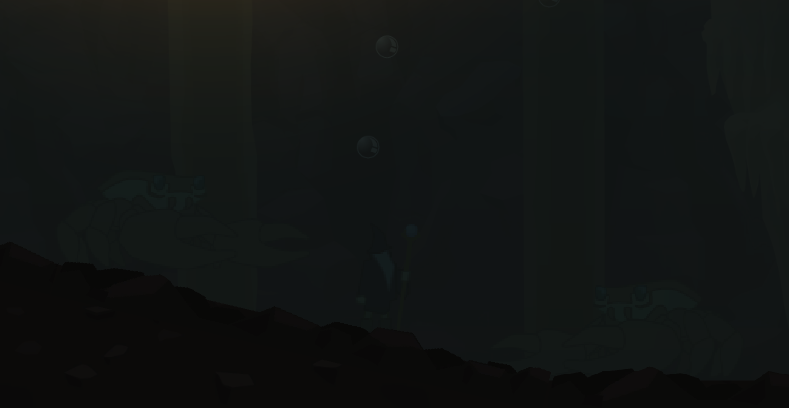
Image sources: Yves Scherdin, Screenshots from UnityEditor and VisualStudio (2025)
Video source: Yves Scherdin, from DevLog playlist of Spiele-oder-so youtube channel (2025)