One day, I was applying a massive magical effect to some spot in a level and it discharged a lot of physical force. But the objects in the surrounding did not react a single bit. That gave the impression that the level is static, dead and uninteresting.
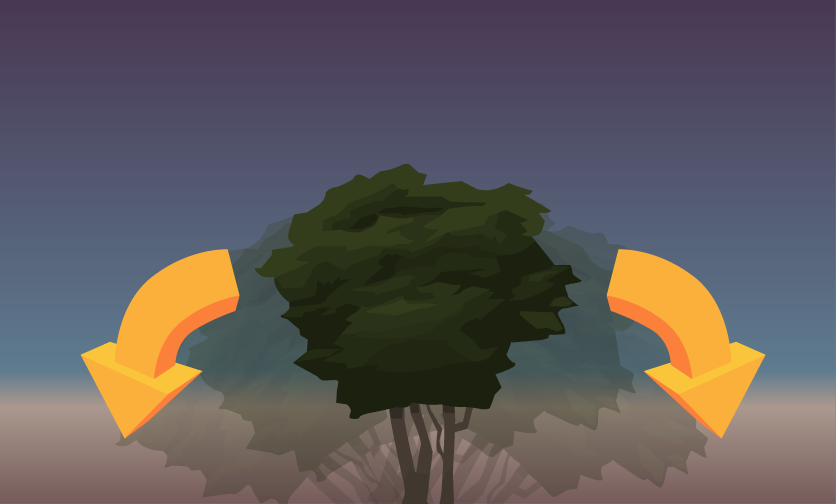
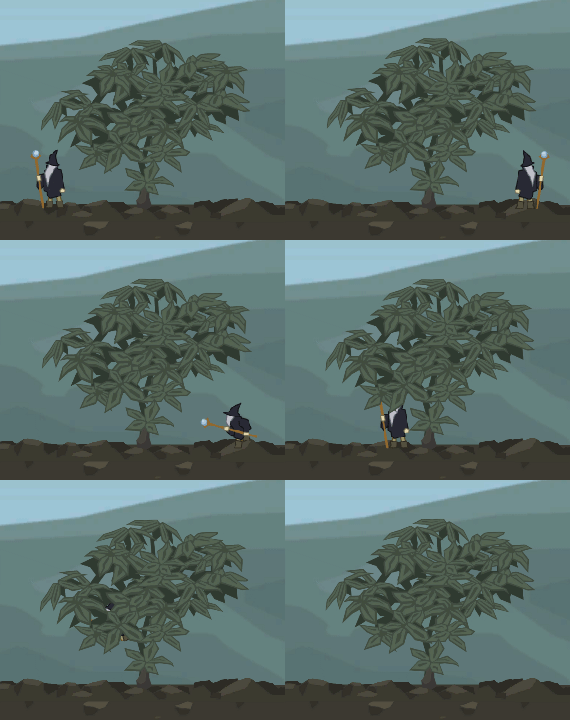
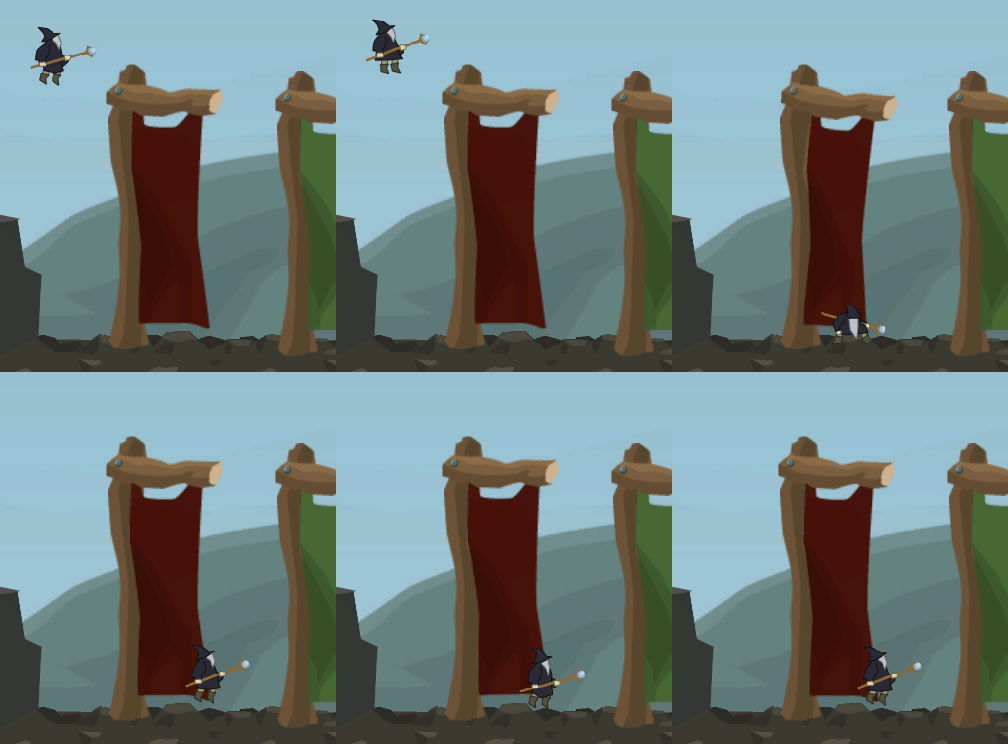
To cope with that issue, I came up with a new behaviour that would distort the transforms of an object as soon as something happens physcially in the environment, e.g. a magical explosion or a character passing by. That made the scenery overall more realistic – and fun!
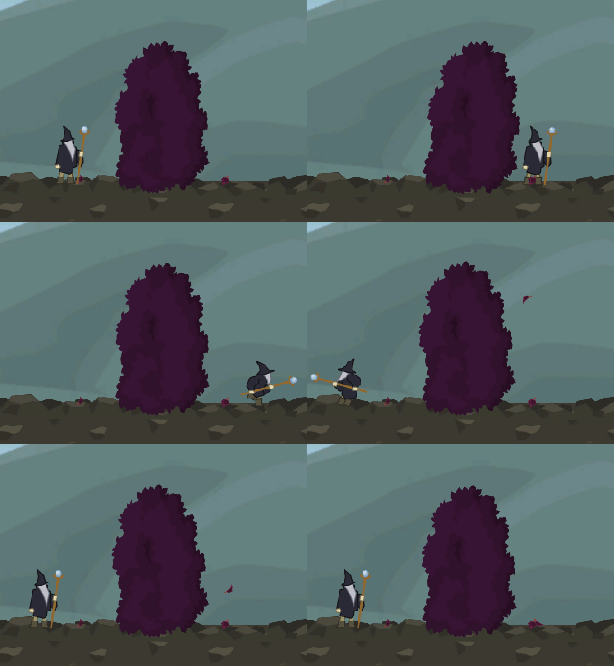
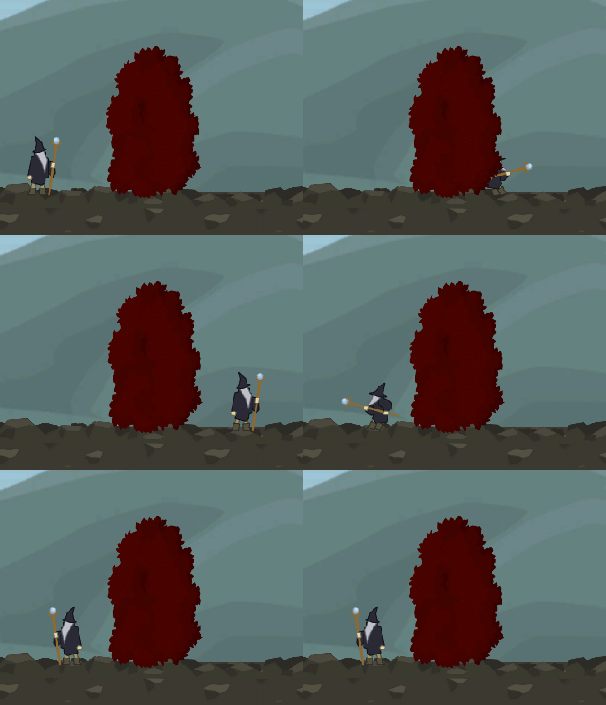
This is, what it looks now: The object’s transforms are modified as following:



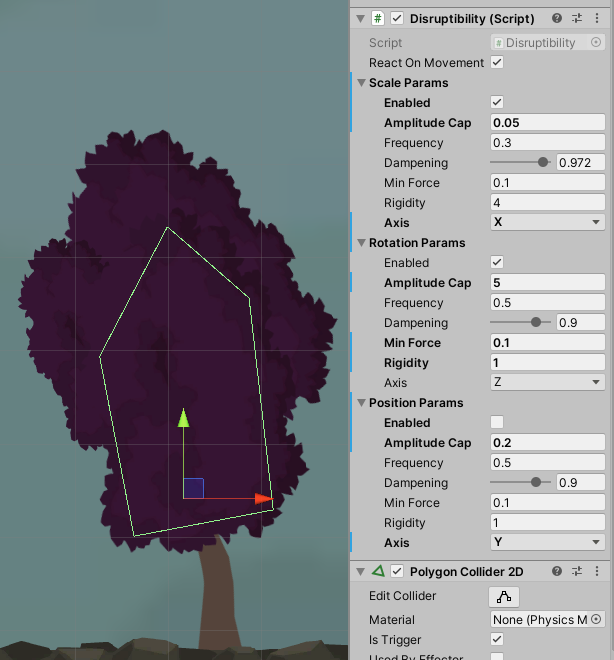
Editor configuration
One can distinctly toggle which transform shall be affected by physical force: position, rotation and scale. The affected axis as well; available are X, Y and Z. The configuration of the shake effect is fine-grained. The rigidity in each regard determines how intense the effect amplitude will be, and a limit to the oscillation amplitude can be specified with the amplitude cap value. Sensory input is provided by adding a 2D collider with the isTrigger flag checked.
Code
Please note, that the game physics here are simplified and may not correspond with actual physical laws. It just works optically, which is fine for game development. However, the heart of all is the oscillation.
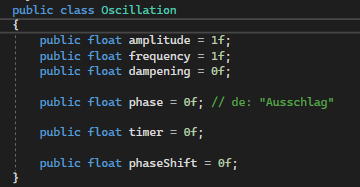
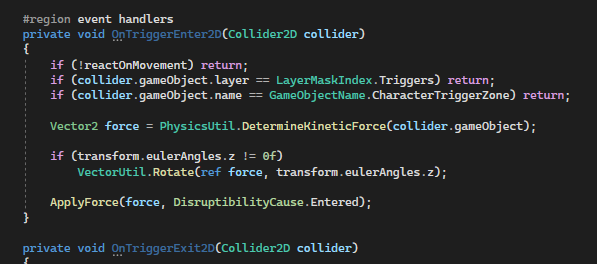
Trigger event methods on the behaviour register and process movement from passing colliders. Axis-specific forces are computed from the by-passing movement force.
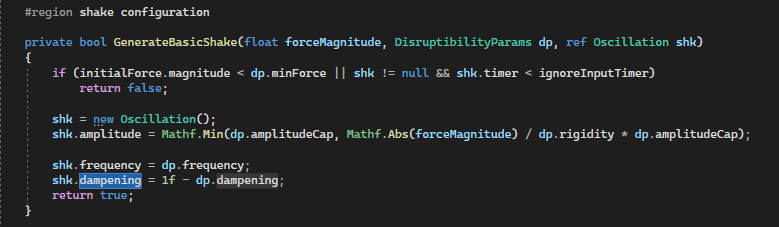
If a force is big enough to really result to take effect, an oscillation has to be created. It will be stored and later constantly updated until it is over.
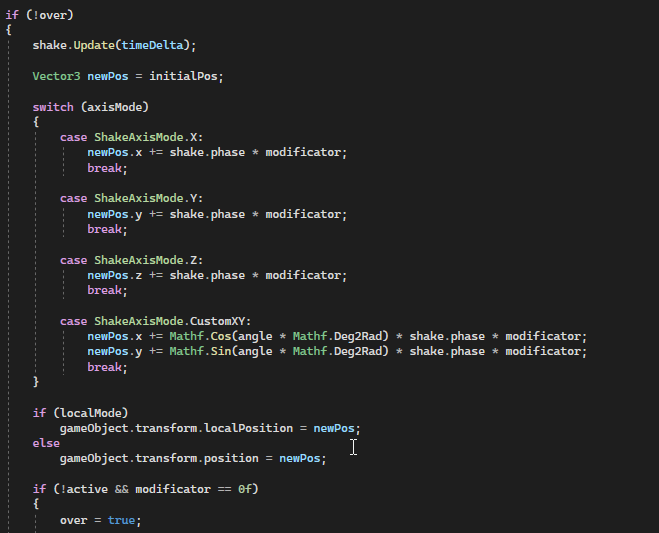
Later on, the oscillation is used to apply an offset to the initial transforms, which are stored when the game object starts its life.
Conclusion
The feature is not perfect yet, but good enough to breath life into scenery objects. It is ideal to make foilage look more authentic and interactive. That is why I used it for bushes and trees.
Image sources: Yves Scherdin, Screenshots from UnityEditor and VisualStudio (2025)