What interactions could there possibly be with a tree?
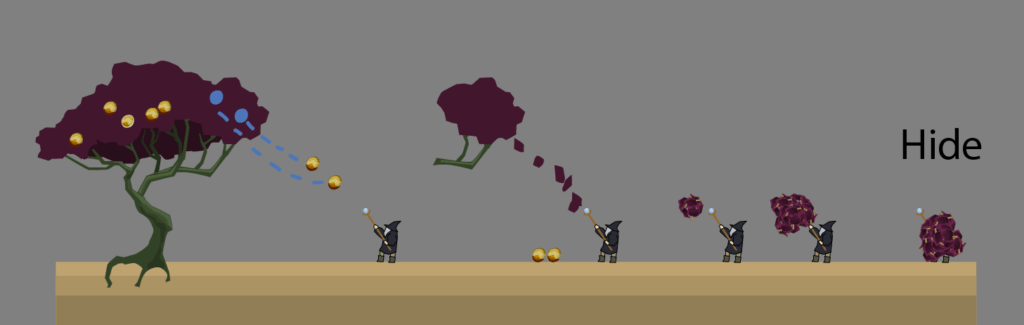
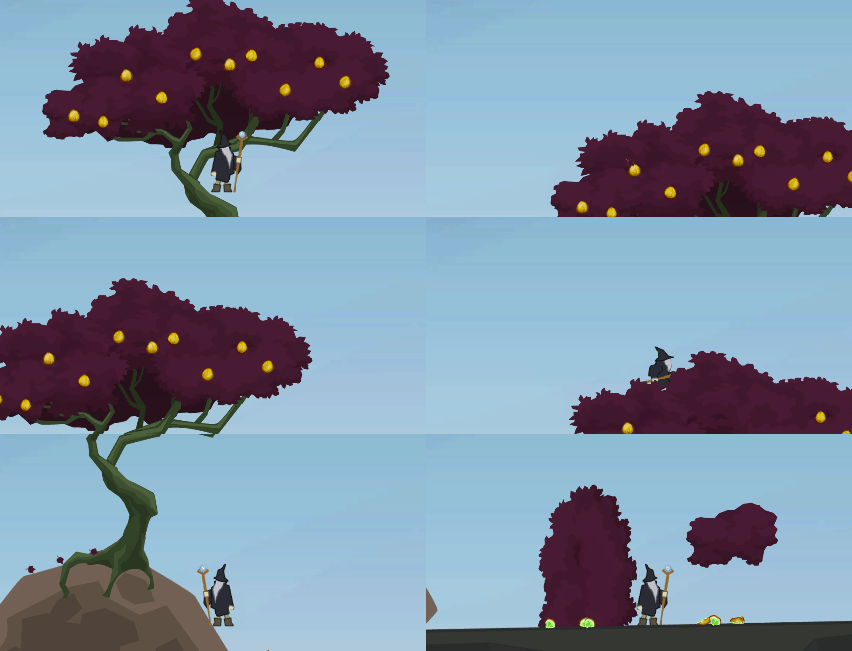
- Harvest fruits from it – or simply make them drop on shake
- Draw leaves from foilage – maybe to reveal what is behind
- Walk on it – on the foilage, on branches (in Asian movies, mages do stuff like that)
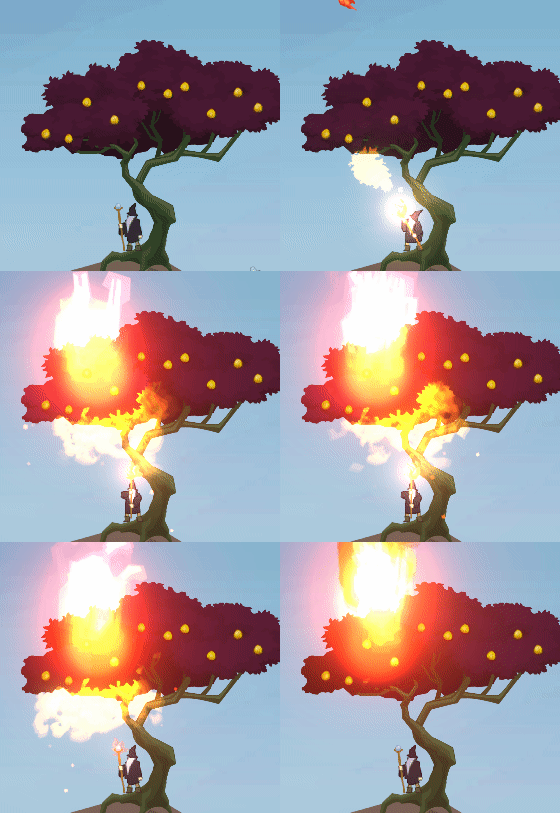
- Burn it
Fruits
The fruit component
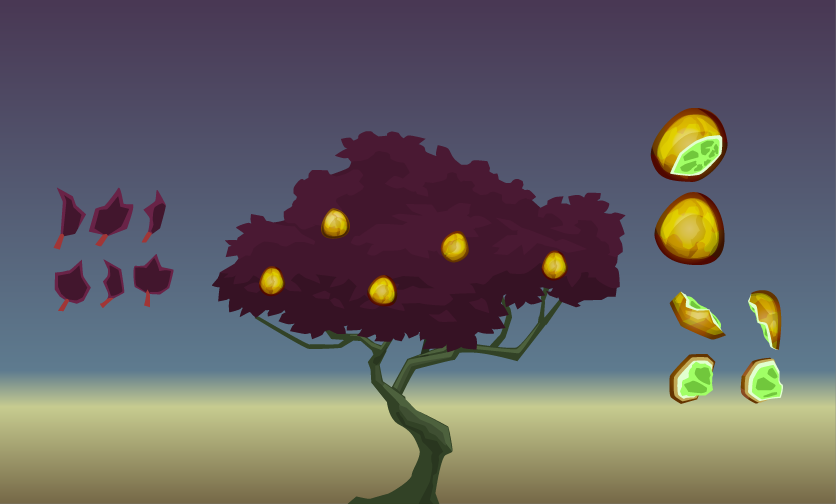
The fruit would become a distinct entity, it would be breakable, hence, have gib graphics, and from all multiple variants to avoid a repetitive look. A word and a blow!
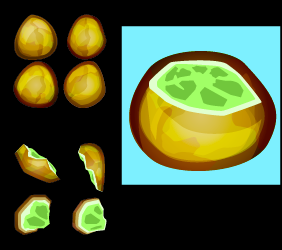
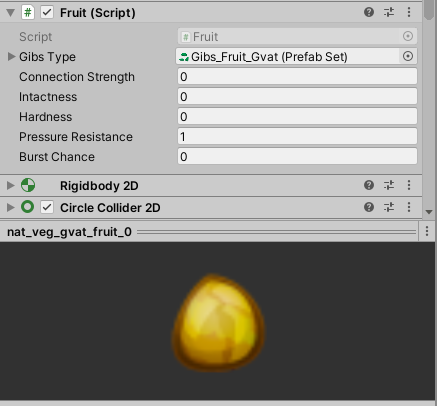
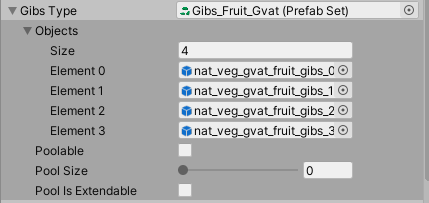
The desired behaviour needs a specific script. A fruit may be connected to a tree (or whatsoever), it may be disconnected on application of external force and it may burst when hitting ground.
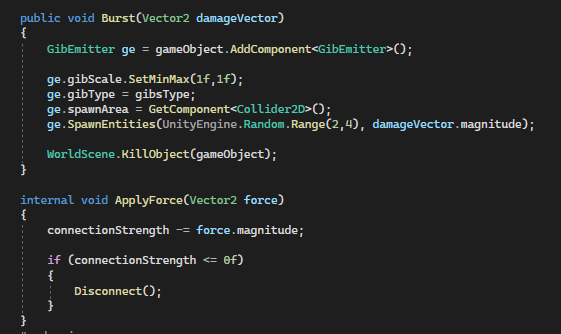
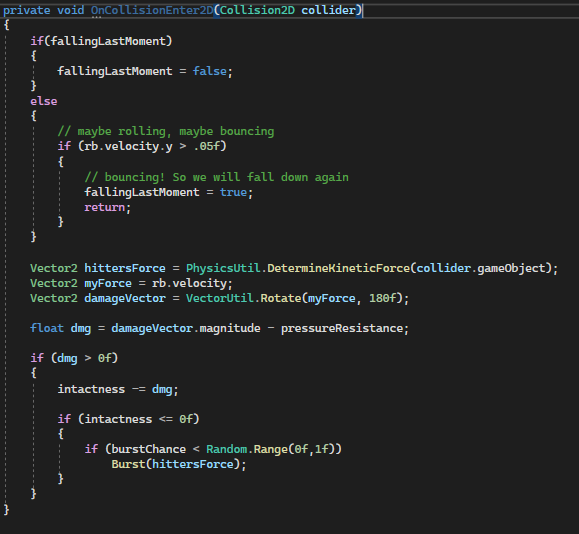
Tree component and fruit markers
Now, that the fruit itself exsits, it has to be added to the tree and connected. I did not want to do that manually. My vision was to just add markers to the tree and then let the tree itself decide on start of its life, where fruits shall be spawned. This would also allow some randomized look per tree.
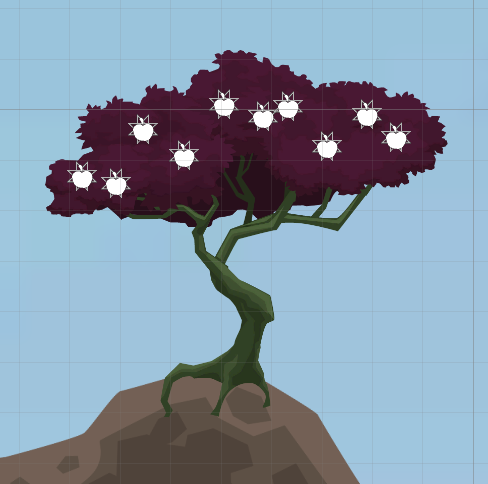
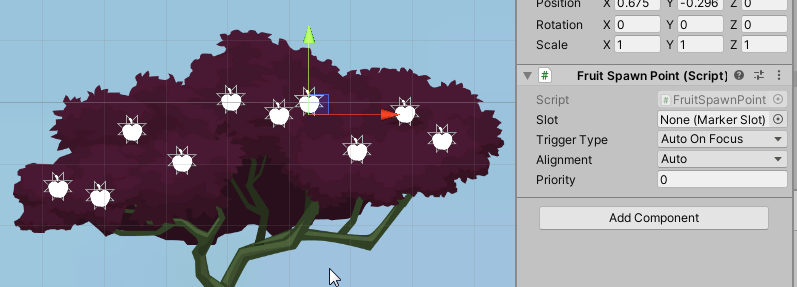
The tree passes the responsibility to spawn fruits to its foilage compounds. The foilage knows about the fruit markers.
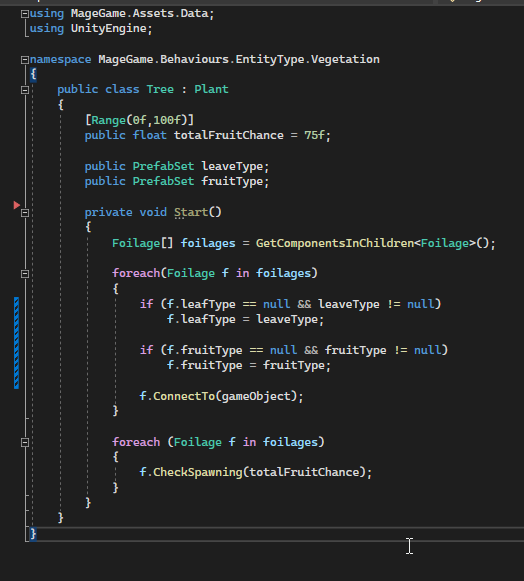
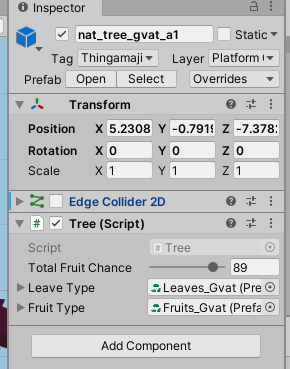
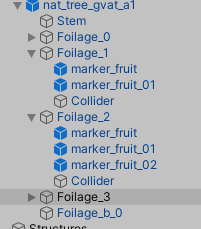
With all of this being set up, on can throw stuff at fruits and they may fall down already.
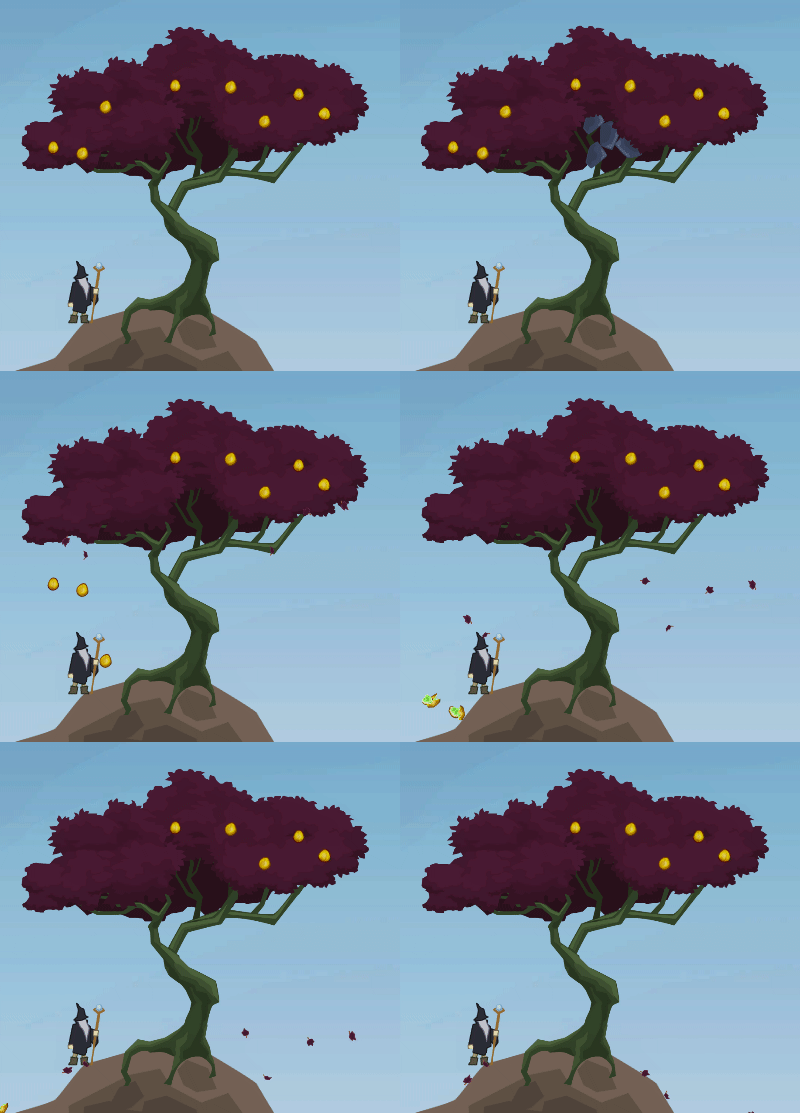
Leaves
Leaves should be spawned by foilage when some entity passes by. Additionally, the leaves shall fly naturally and at the same time shall they be a possible target of physical manupulation, e.g. telekinetic magic. As an experimental bonus, leaves shall be drawn away from the foilage, with the foilage shrinking visually.
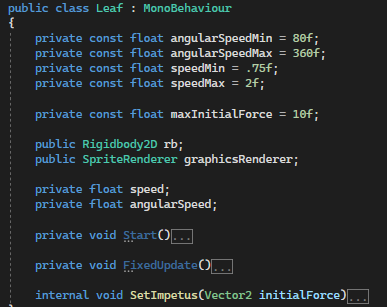
For the leaves, I decided against particles, which would’ve been an option, if I wasn’t planning to give more functionality to the leaves. So, they got their own MonoBehaviour. They will have one of X possible graphics, rotate a bit until they fall down.
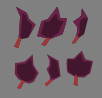
A compound of leaves is a foilage. It has a sprite and will spawn entities like fruits and leaves.
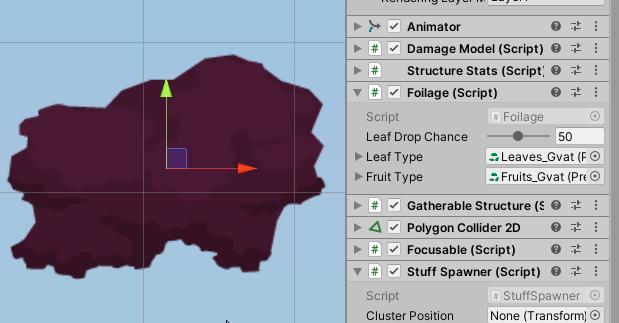
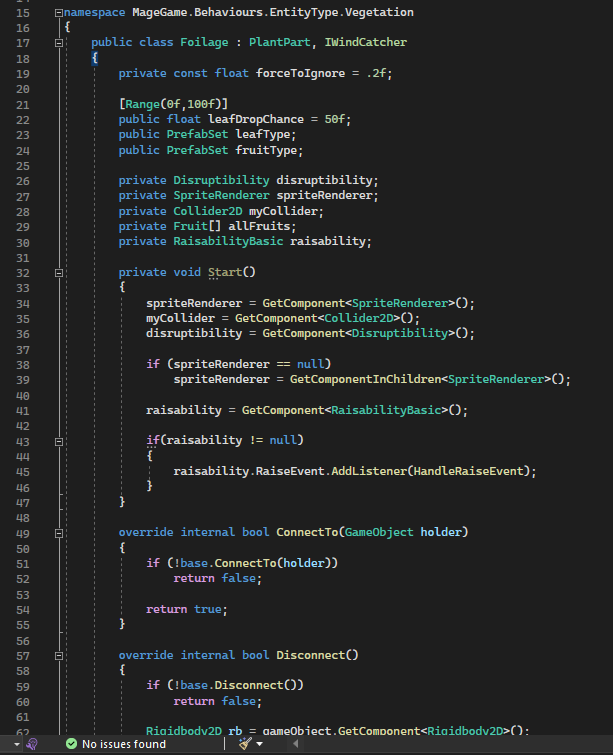
The tree consists of several foilage game objects.
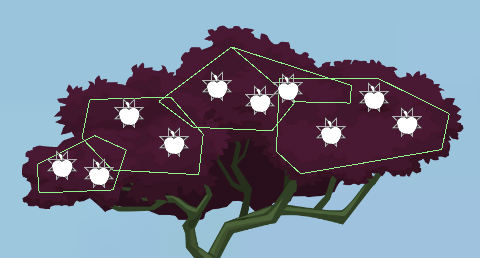
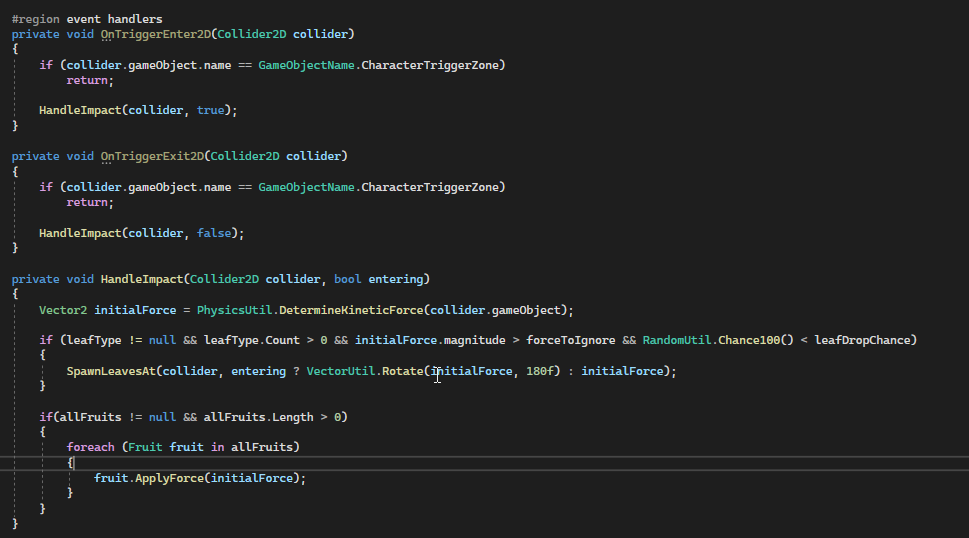
The green colliders are configured to be triggers and will let the foilage MonoBehaviour know that an impact occured. The force of impact be processed in such a way, that a decision will be made whether leaves shall be spawned or not and, furthermore, that the force is passed to all the fruits that are connected to this foilage compound. The fruits themselves then may react on their behalf.
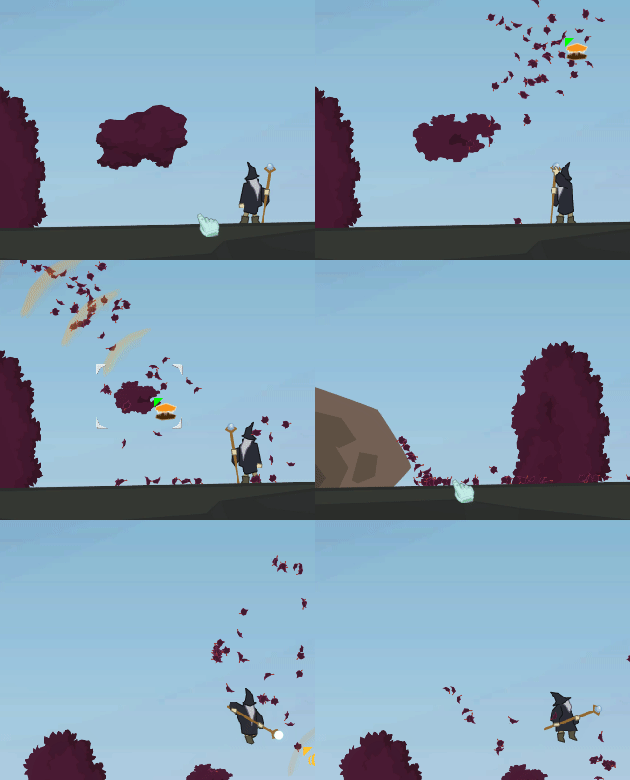
The more complex part is the drawing of the leaves by kinetical force, for which I have developed an own category of behaviours, the telekinetic emitters, which I will describe in a future article – same goes for the use of the behaviours DamageModel and EntityStats, which I also plan to cover. For the moment, it is done and it works, as you can see…
Walkable platforms
Edge colliders work together with the game object tag “Plaform OneWay” achieve that a character may walk on certain regions of the tree. Additionally, the character can jump down from any branch or foilage platform.
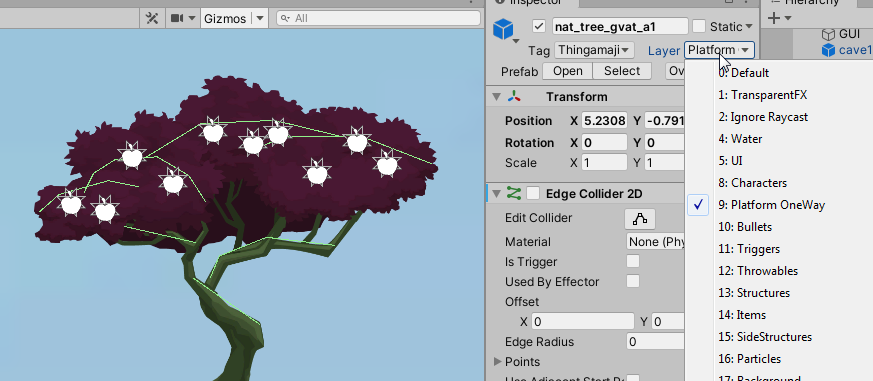
The physical material of the edge colliders is set to “Foilage”. Thereby, movement modifiers of foilage will be applied and movement will be slowed down using the technique described in this article.
Furthermore, walking through foilage would spawn some leaves. And if fruits are hanging around, they would have a change to drop whenever the player passes them.
The result looks like this:
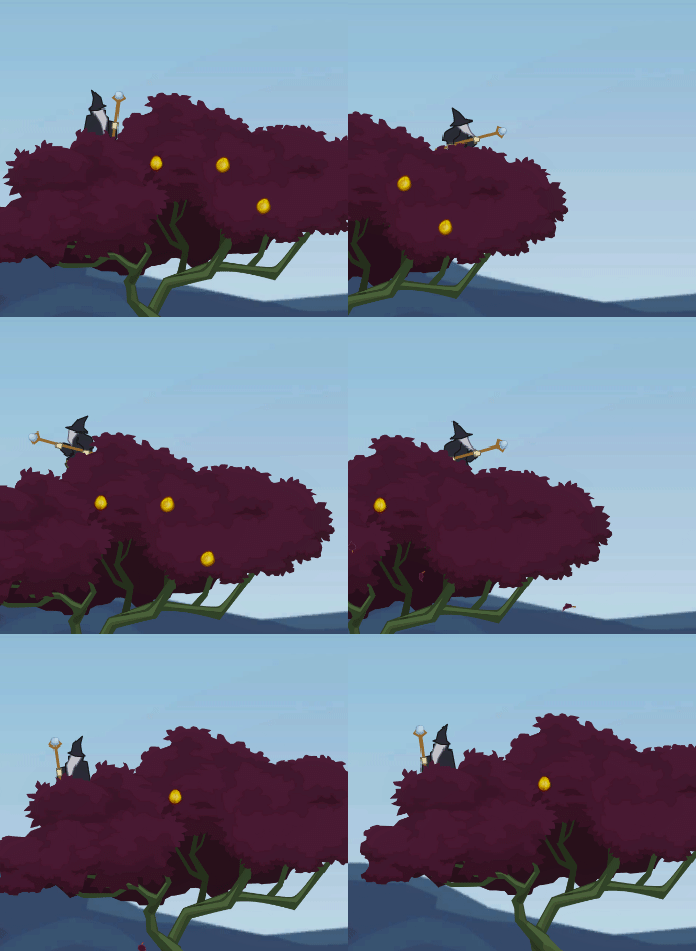
To make the foilage look moe lively and reactive, I added the Disruptibility™-Behaviour to each compound of foilage, which is described closer in this article.
Burn
With a special setup, almost all game object can be made burnable. How exactly is something I will cover in another article, too. The effect will be applied to each foilage distinctly. However, I did not really plan for this, since it can get rather complex and required lots of detailed configuration.
Conclusion
A tree can be highly interactive. But the time this consumes can be big. One has to have good reason for making a tree interactive. For example, if the tree was part of an important quest. A danger would be – like always – giving a player the impression that much is possible with one entity, whereas lots of similar entities in the game would offer less interactivity. However, many things are possible. And for my mage game, I have plans… and I will leave it at that.
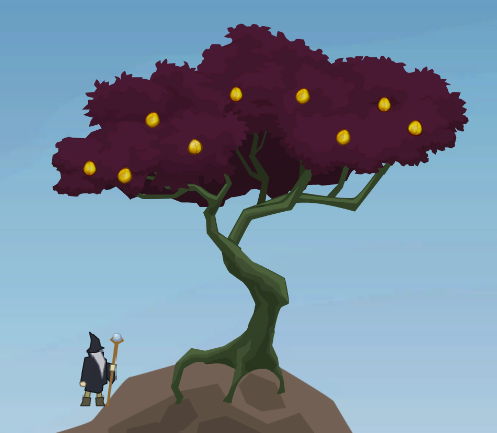
Image sources: Yves Scherdin, Screenshots from UnityEditor and VisualStudio (2025)