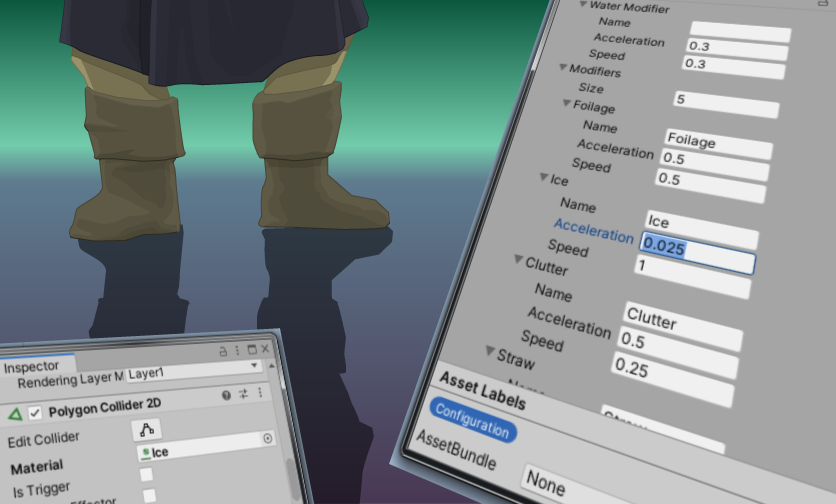
The goal for this features was: If a character moves on a ground with certain qualities, the character shall either move slower or faster, or may accelerate differently than normal. Walking on a straw roof, on branches of a tree, or on sand dunes should feel differently from walking on soil, wooden floor or city pavement. Unfortunately, this was not out of the box configurable. But I created a workaround, which involves the Unity’s physical materials for Unity2D.
This article will care a lot about programming details. If you are only interested in how to work with this from the Unity editor side (e.g. if you are rather an artist), you can jump to this section.
Implementation Overview (Code)
Basically, it boils down to this principle: An entity component[1] that handles the movement for its owner game object (a character) provides information about the movement modifier of the game object the character is standing on. With this information, the entity component that is responsible for walking computes the actual locomotion force. Further entity components are involved in storing, processing and applying the locomotion force of the character.
The movement modifier is retrieved from a register of movement modifiers with the help of the physical material the character is standing on. It was not possible to enrich PhysicMaterial2D by the desired movement values, since PhysicMaterial2D is sealed. That requires then a parallel data table, and as key to connect between both types of data (PhysicsMaterial2D and MovementModifier) we simply use the name of PhysicsMaterial2D, which it has, since it extends UnityEngine.Object.
Let’s break down the multiple actors:
- Unity classes
- Rigidbody2D, Collider2D (component)
- PhysicsMaterial2D (data holder)
- Custom classes
- Physics management
- CharacterController2D (component)
- MovementModifier (data holder)
- MovementConfiguration (complex data holder)
- PhysicsUtil (static utility)
- Locomotion
- WalkAbility (component)
- ActionController (component)
- CharacterMovement (component)
- Physics management
The relationship among these is denoted within this UML:
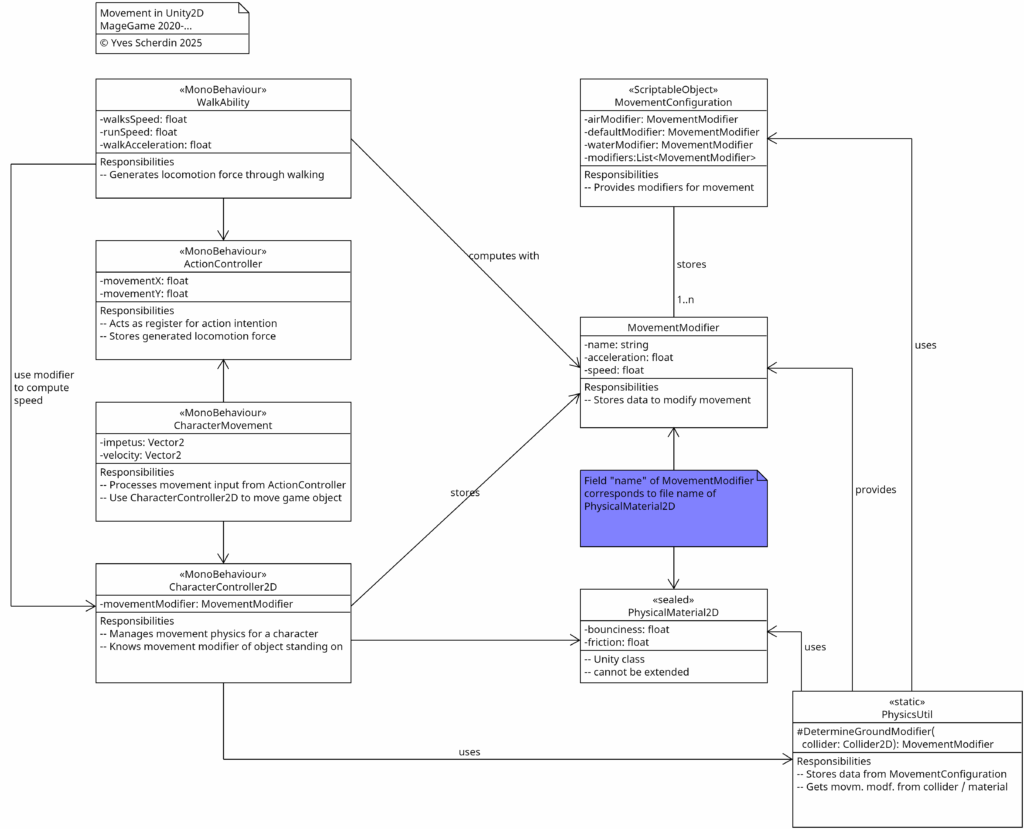
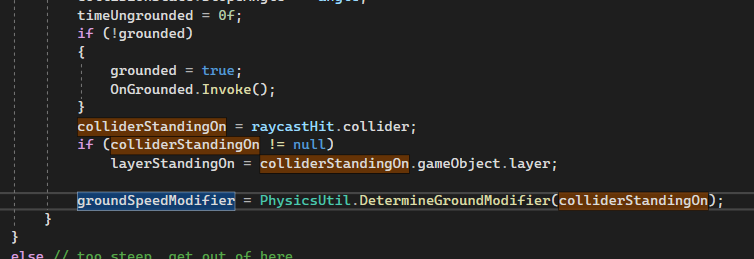
CharacterController2D component retrieves the movement modifier with help of the collider it has detected beneath the game object.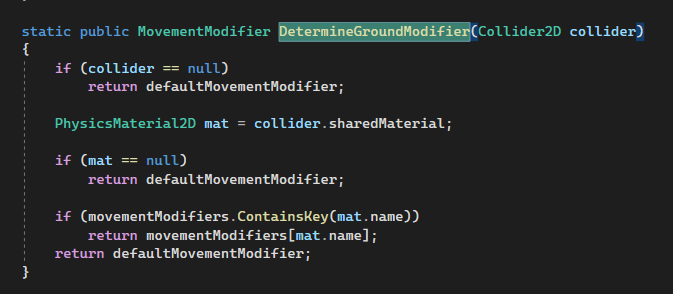
PhysicsUtil to retrieve the desired movement modifier.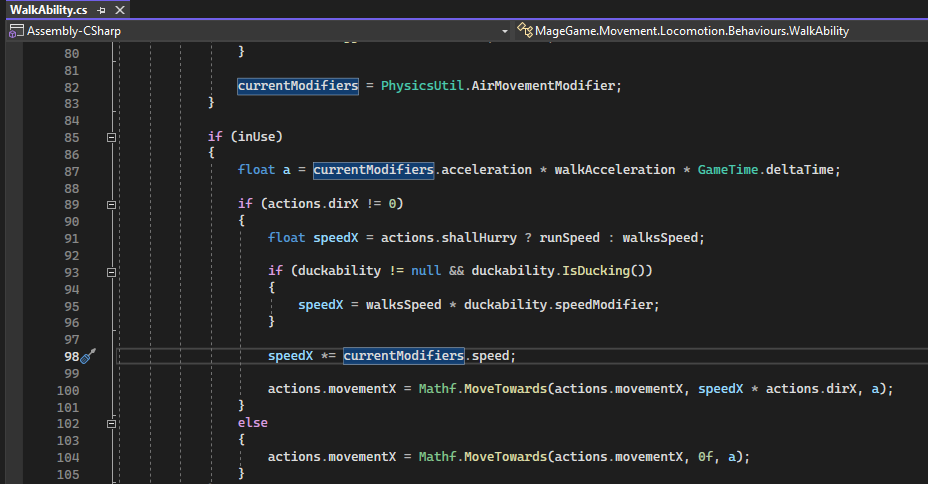
CharacterController2D.Configuration in UnityEditor
An Example: Foilage of a Tree
Given, a tree that has components with walkable platforms on it.
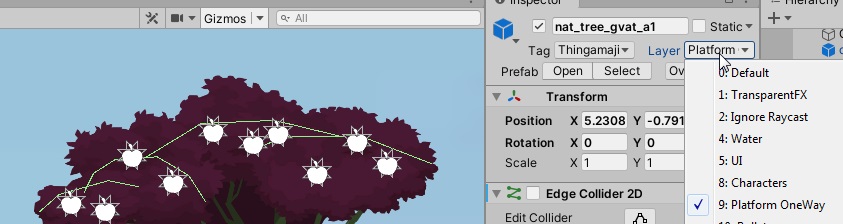
The physical material of the edge colliders in a foilage object is set to the PhysicMaterial2D named “Foilage”. That name corresponds to an entry in the global movement configuration. That is a configuration which enhances the PhysicalMaterial by qualities for movement. Currently, this only includes acceleration and speed modifiers for walking on these materials.
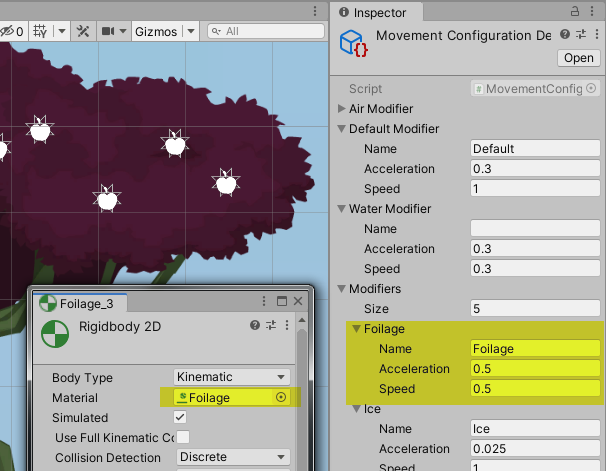
Configuring movement modifiers
When choosing values for speed and acceleration, the acceptable values are within a range from 0 to 1. Think of these parameters as multipliers. A value of 0.5 means the half of the full potential, 1 meaning 100% potential and 0 meaning no potential whatsoever. Lower speed is good to signalize that it is heavy to walk here – maybe because parts of the ground are shifting in the moment one steps on them. Lower acceleration multipliers than 1 are experienced as having less control about the character – that is suitable for slippery surfaces like smooth ice.
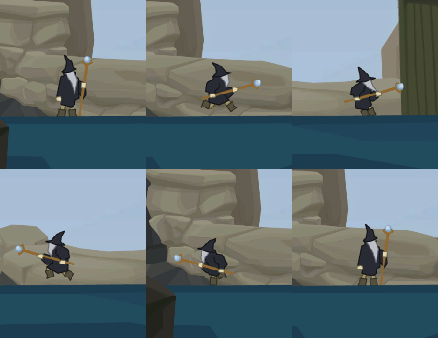
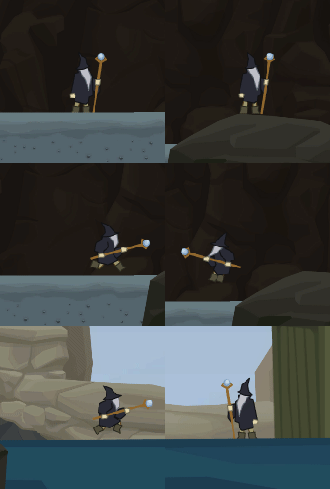
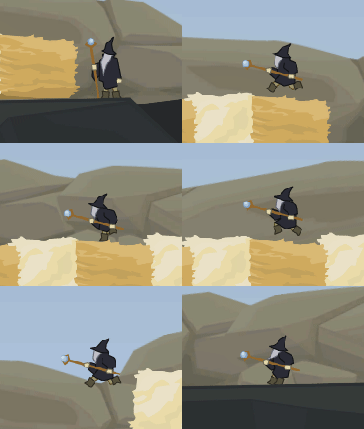
Here a variety of different ground modifiers and the effect it has on the feeling of movement.:


Conclusion
It is a fun feature that is rather easy to be implemented, provided one finds a good way to find the collision object the character is standing on.
- [1] In Unity,
Componentas class exists and also represents an entity component; yet, the classMonoBehaviouris usually used as base class.
Image sources: Yves Scherdin, Screenshots/Exports from UnityEditor/VisualStudio/VS Code (2025)