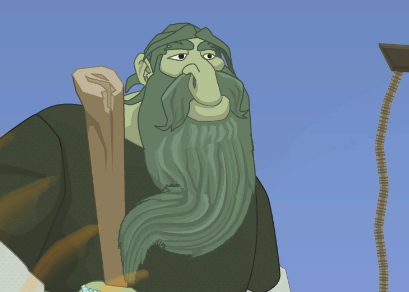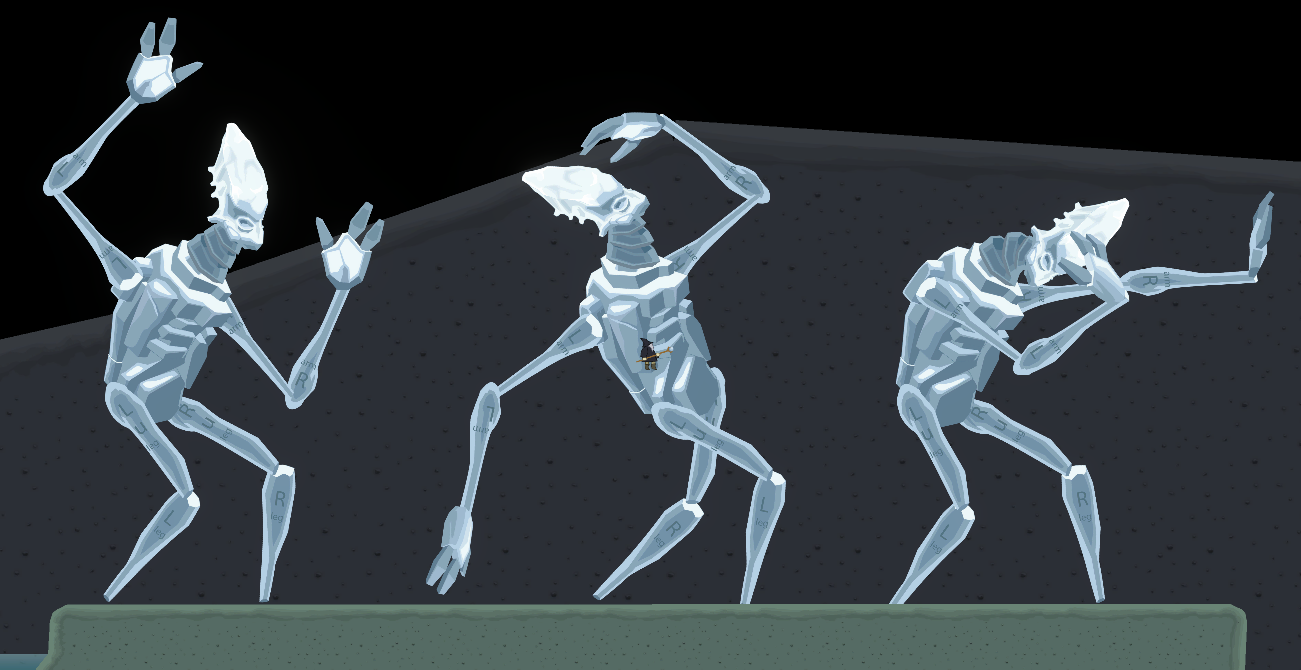
In 2025, I created a tool to simplify animating 2D models in Unity. I mean those models that consist of multiple bodypart-like sprites, basically game object trees, which one usually creates for certain characters – if one does not intend to use one sprite only. I need it for bigger characters like giants and boss monsters. In this article I will describe what this tool can help with and give a little insight into the C# code.
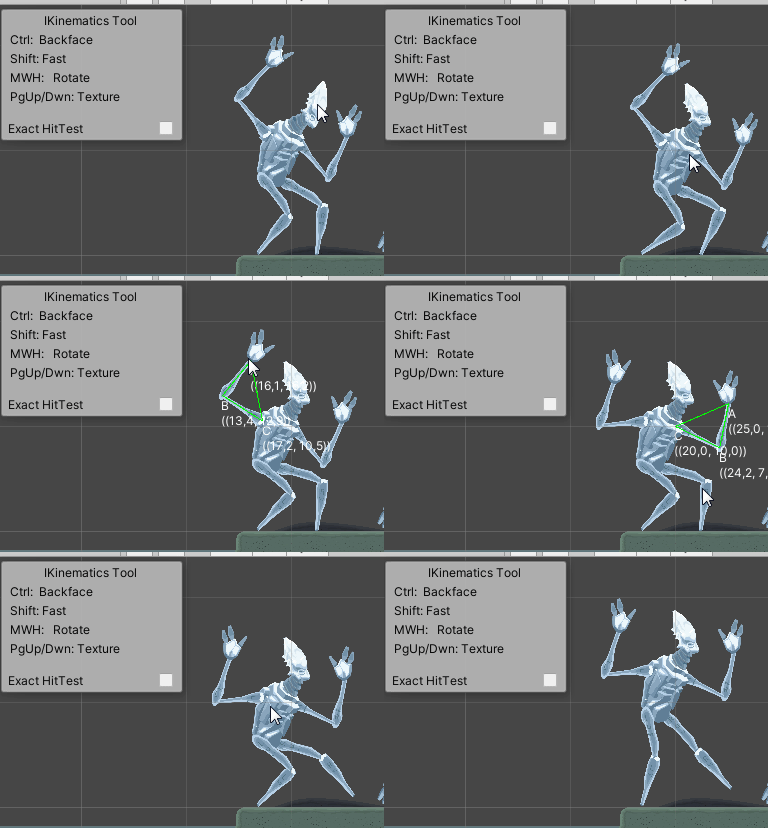
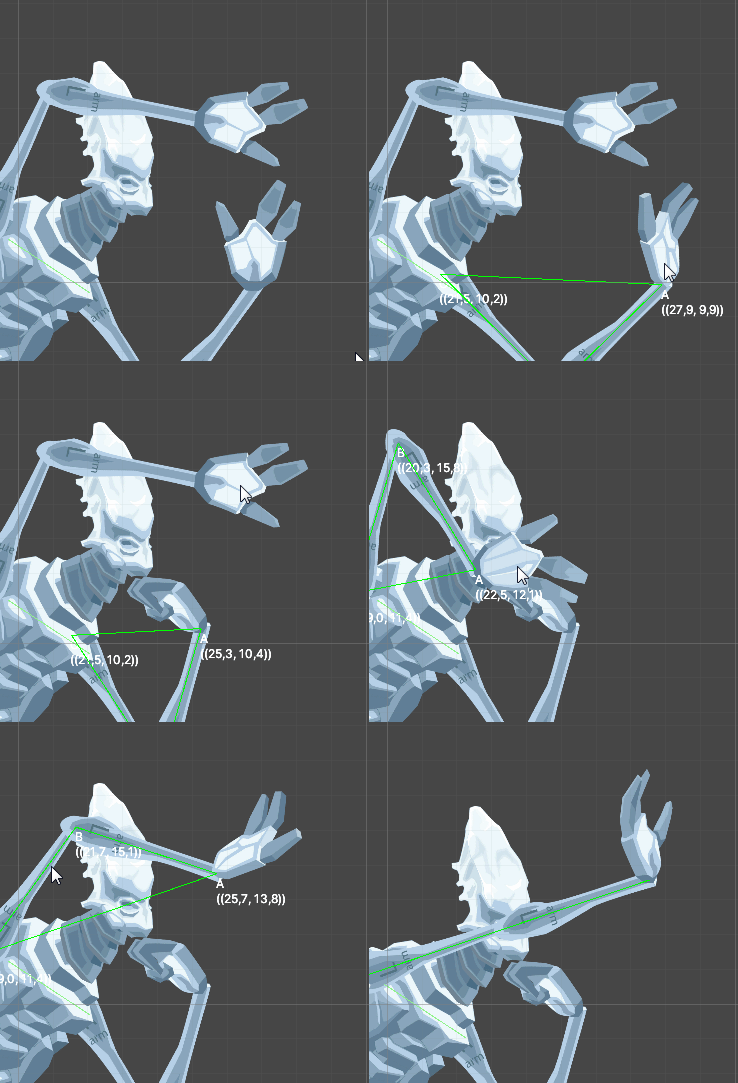
Take a look… as you can see, only the mouse is used to drag bodyparts easily to where they shall be situated, without detaching them. Only rotations are modified, not the positions of the limbs. It is a little bit as if one would slip into the role of a stop motion animator of classic movies, in the time prior to the use of computer generated imagery (CGI).
Animation features
Following features are integrated: FK, IK, Rotation, Bending, Texture-scroll.
FK Animation
FK = Forward Key. One rotates body part after body part, usually starting at the limb closest to the body.
IK Animation
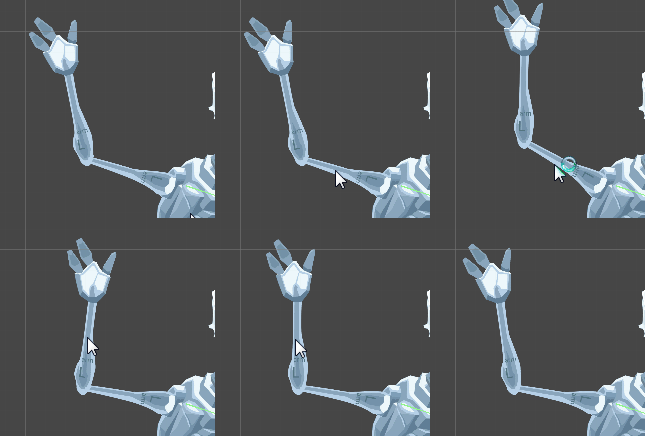
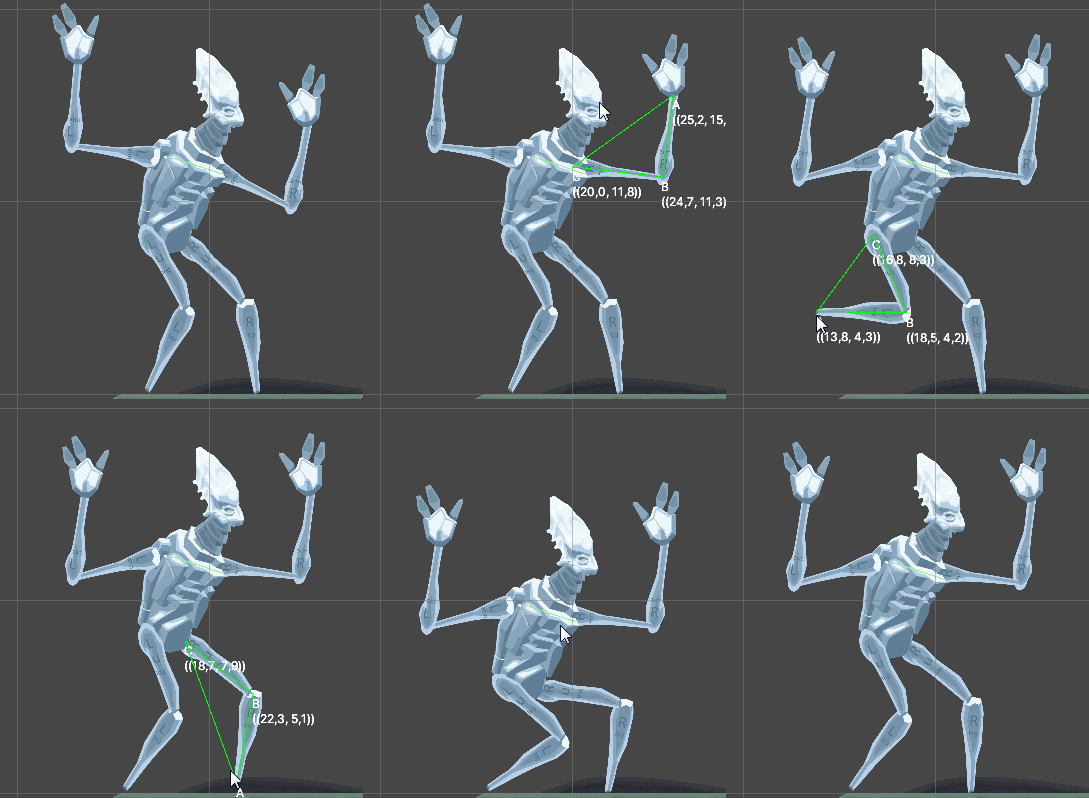
IK = Inverse kinematic. In this mode, one moves firstmost the bodypart which is farthest away from the trunk. The bodyparts inbetween align accordingly with the help of some math, whereas the side the joint is pointing to will be preserved.
Rotation
Also useful: The bodypart that is currently dragged can be rotated. This saves time, since it is oftenly wanted to do both things at the same time – adjusting position and rotation of a limb. Available only for specific bodyparts (anchor limbs and trunk).
Bend
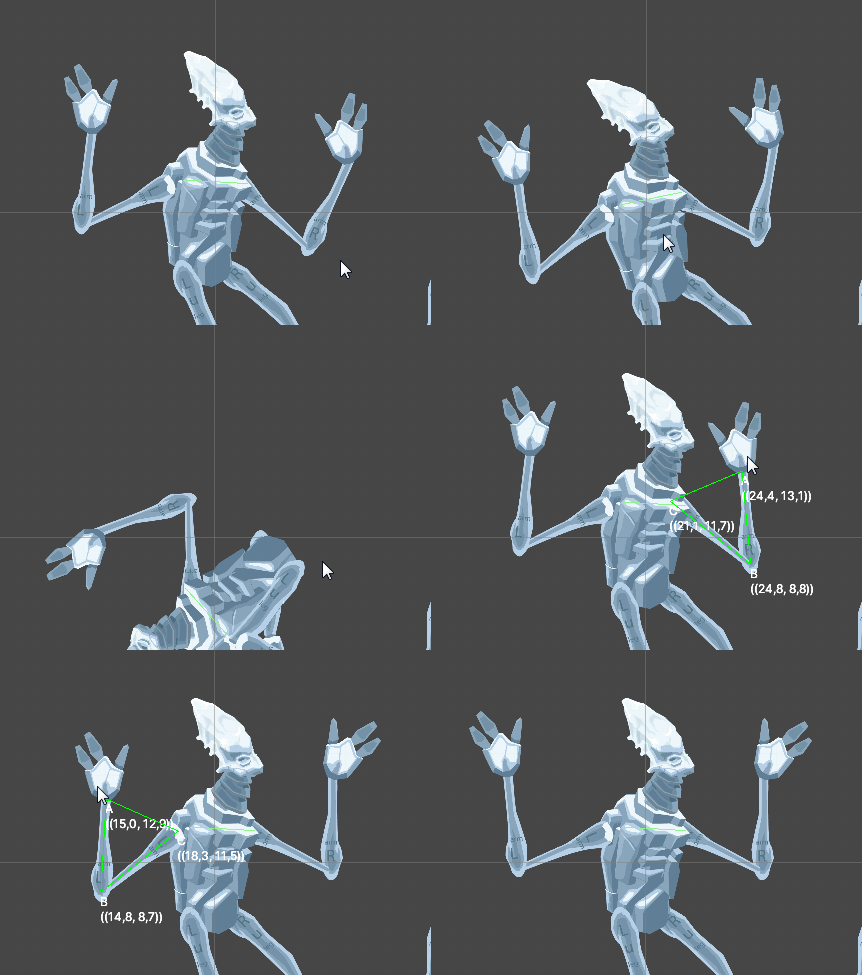
Spine-sequences may be bent, either on the FK way (spine by spine) or on the IK way. When bending, again, only the rotations are modified. The distance between the neighbouring spines stay the same.
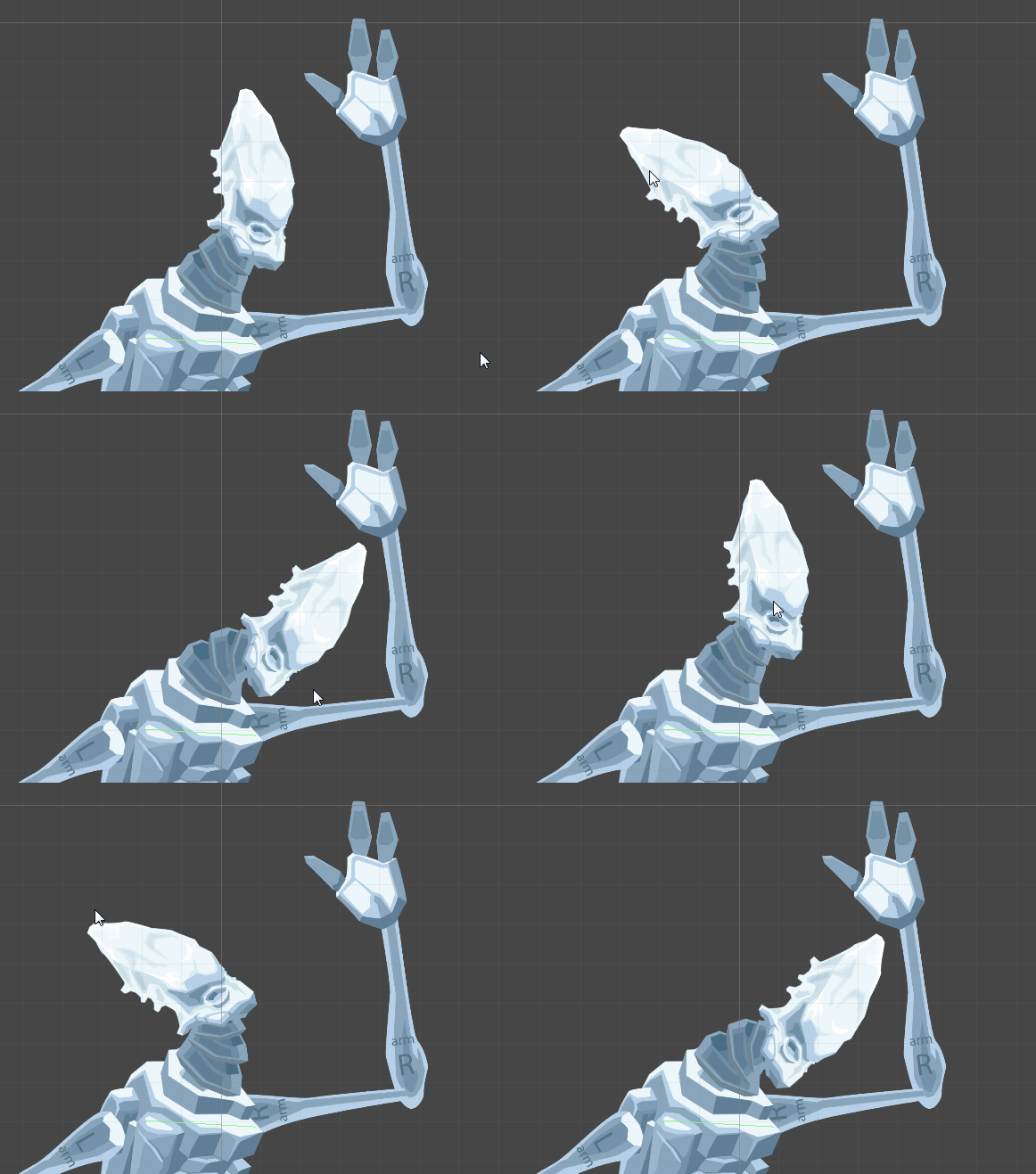
Sprite change
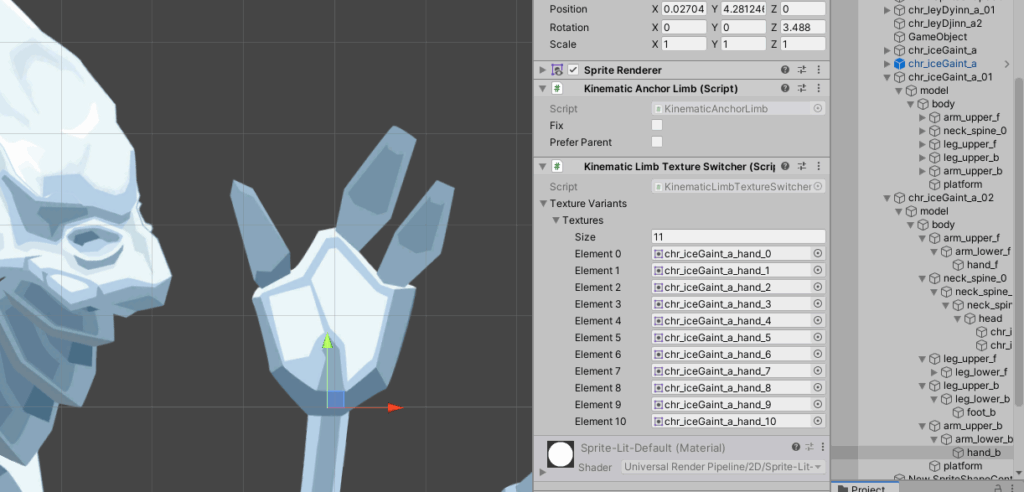
In some cases, it is useful to switch the texture. A recurring use case are hands and faces.
PageUp and PageDown keys switch the texture of the focused or dragged body part.
How to set up the model in the UnityEditor?
Let’s take a look at the the model structure. A model container game obejct contains the trunk, the trunk contains the limbs.
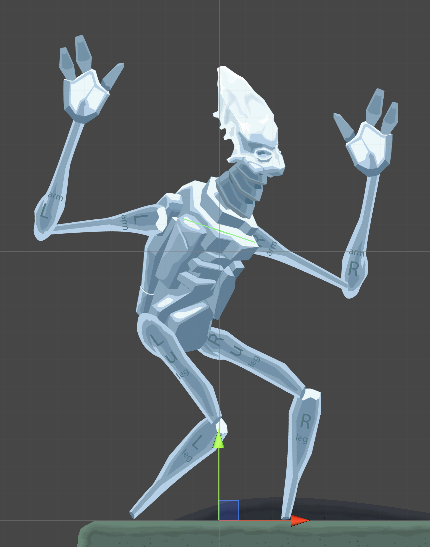
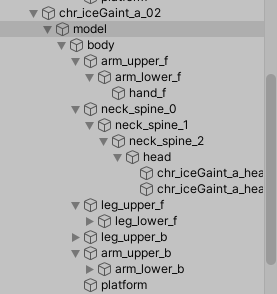
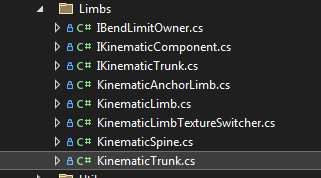
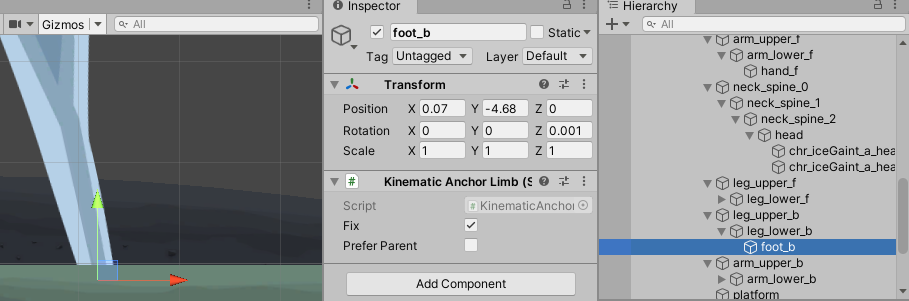
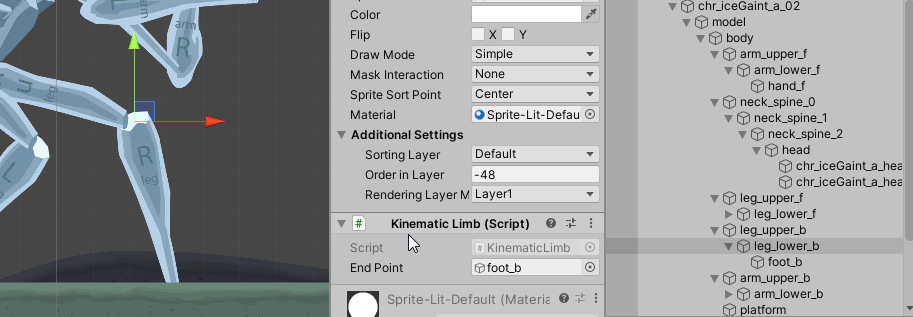
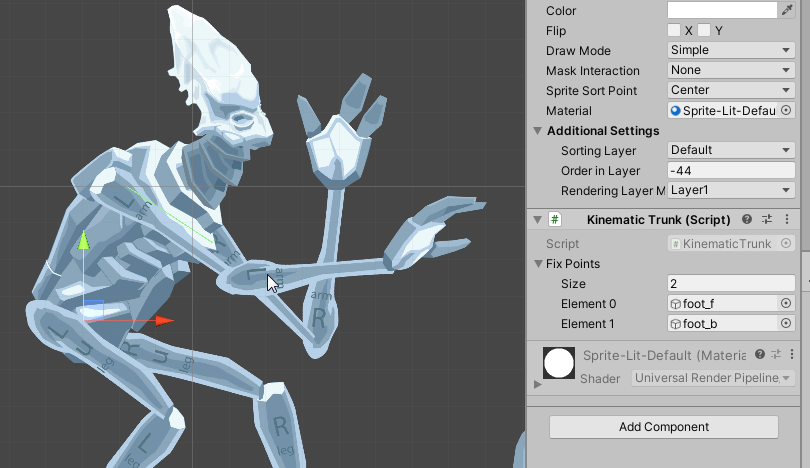
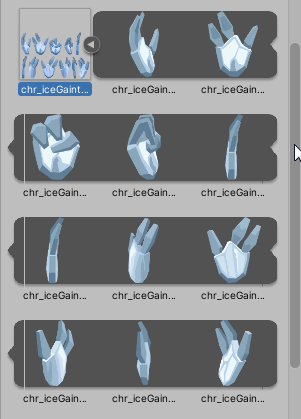
Now to the Components / MonoBehaviours… there are different roles of body parts. And each has its MonoBehaviour. The following graphics demonstrate which component is used for which bodypart.
Anchor limb behaviour for hands and feet
Simple limbs – the default choice for upper and lower legs/arms
Trunk
A singular element. It is moved and the fix points that are defined are the feet.
Spines – for necks, tails and snake-like bodies
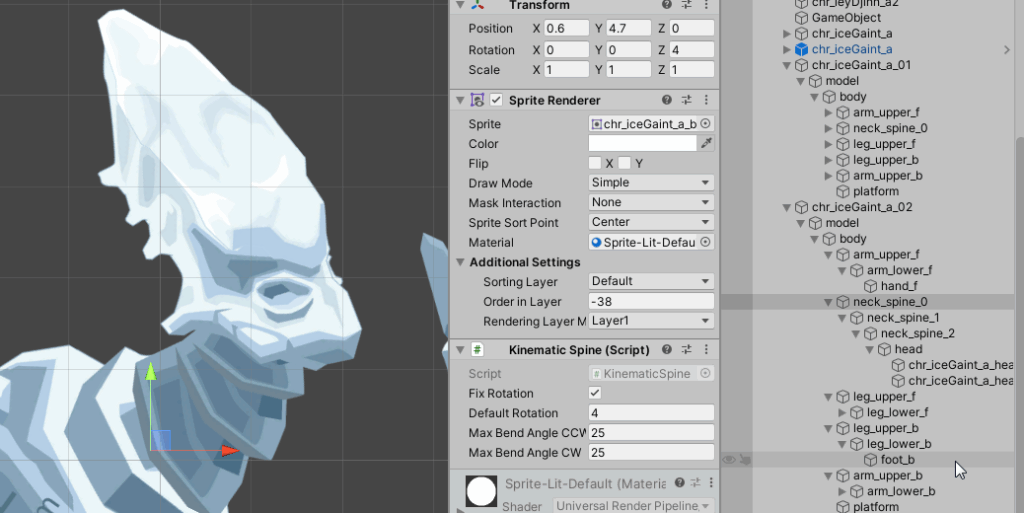
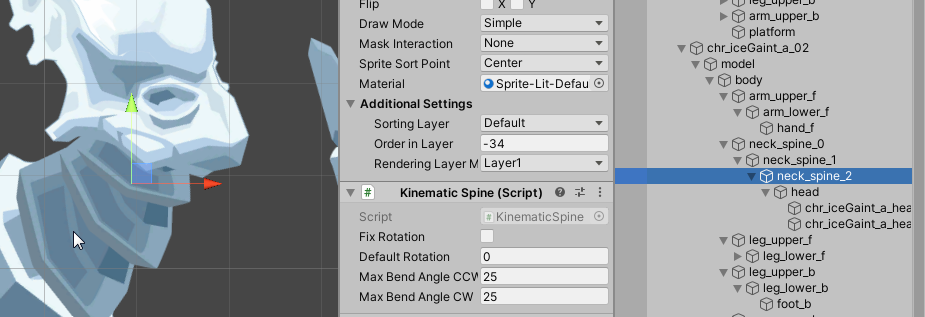
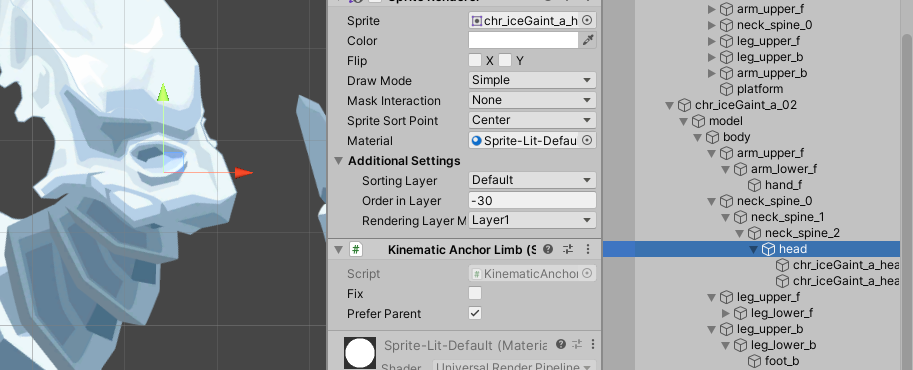
Additional animation behaviour: Texture Switcher
This behaviour is an optional quality of body parts. As already said, hands and faces would be common use cases, but there is no restriction to that.
The limb math – achieving IK dragging
Aside from coordinate space conversion – and all these fine-grained architectonical decisions (limb types, extra actions like rotating and bending) – there was one challenging part here; at least for me, since I am not good at mathematical issues: Achieving the IK movement action.
The basic question here was: How to rotate two consecutive limbs so that the end of limb two will be exactly at the wanted target position (a.k.a. mouse cursor). Plus: The lengthes of the limbs must not change.
The reasons why I dared to even engage into such a programming task like this – aside from my courious stubborness – was: I had a very simple vision of how to solve the issue. Think of the following: The two limbs can be abstracted away to a triangle in which the limbs are the smaller sides a and b, whereas c spans from start of side a to the end of side b – a tendon in mind, so to speak. With this simple triangle in mind, the question could be re-asked in the following way:
Mathematical abstraction of IK limb movement
Given a triangle ABC…
- whereas the sides a and b have a fix length each
- side c may vary in length
- Point A is fix
- Point B is dynamic and known (the dragged mouse cursor)
… what will be Point C?
If we find out Point C – in limb terminology: the joint between limb one and limb two – we are able to calculate the angles from A to C and C to B – again, in limb terminology: the rotation of limb one and the rotation of limb two.
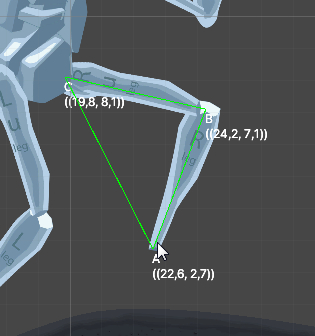
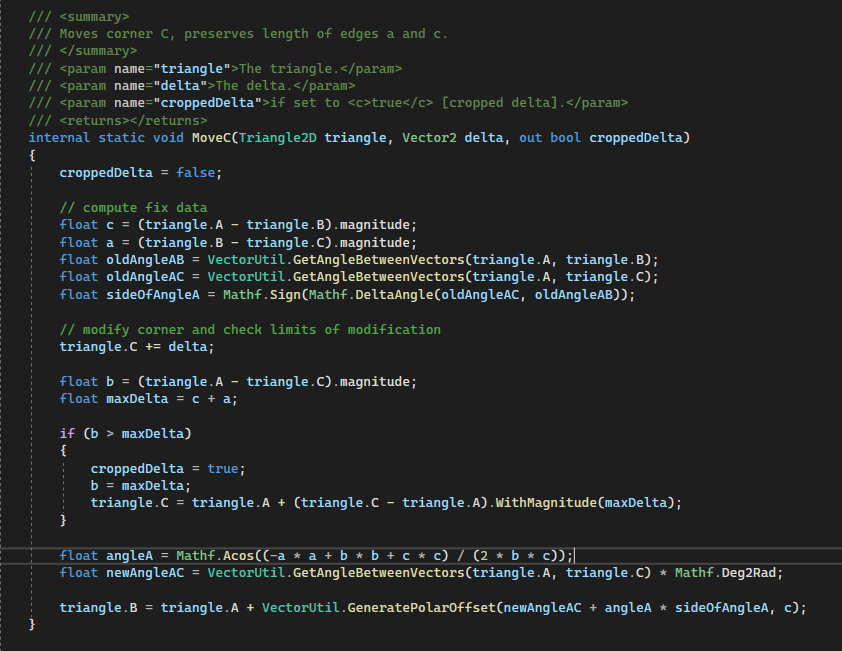
Albeit I absolutely screwed up the namings of the corners, I was able to refresh my math knowledge and used the cosinus rule to finally come up with the proper values. To add the final touch, I check if the limbs are dragged beyond their combined length and crop the drag length there.
Conclusion
In the end, it is a nice feature from which I hope that it will be useful. To my shame I’ve got to admit that I did not have time to do so. A big package refactoring in the aftermath held me up. But I am eager to work with it. Until then, I am simply happy to have achieved the creation of such a tool. If Pixar goes 2D one day… (clown smiley)
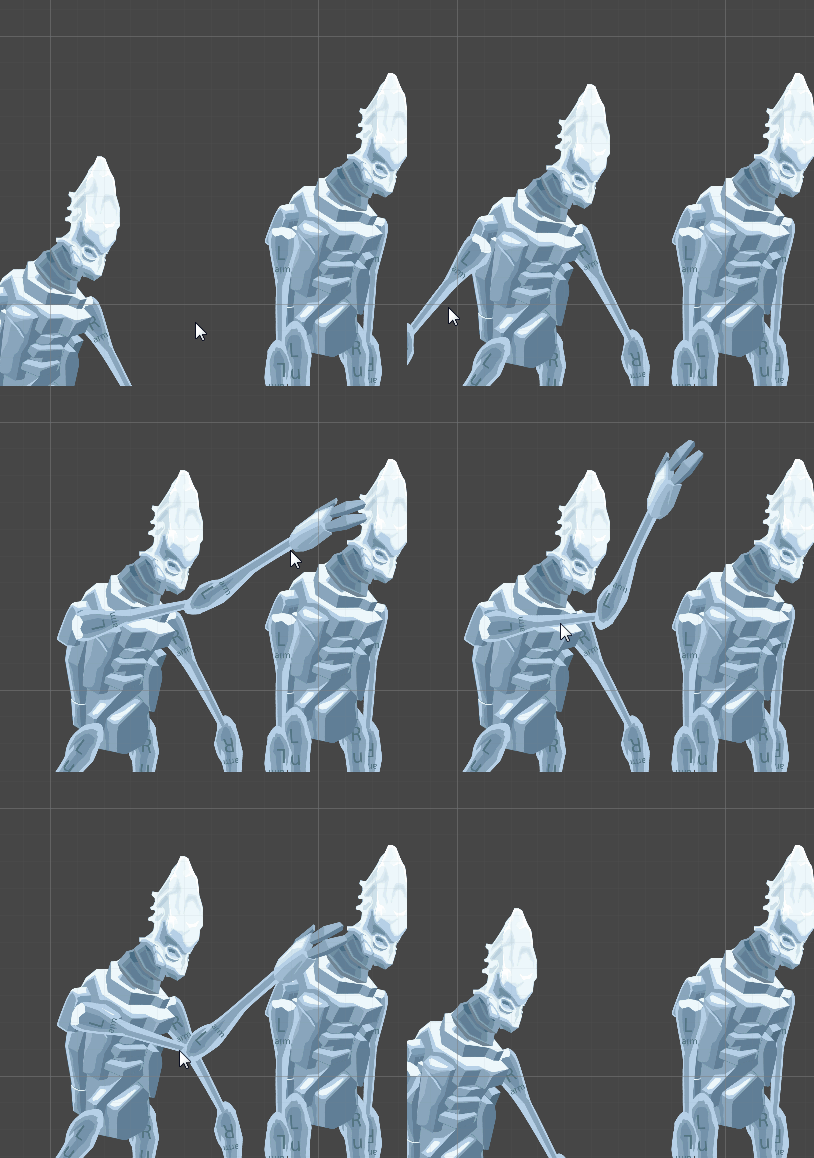
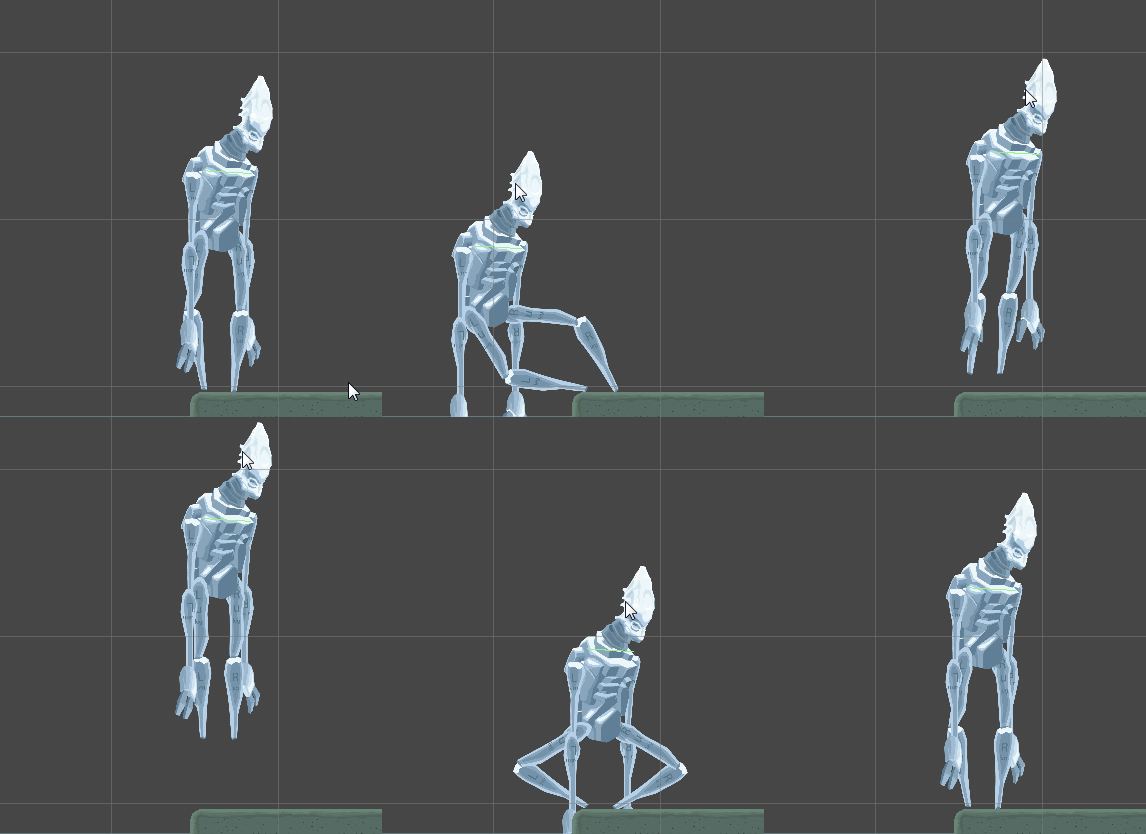
Image sources: Yves Scherdin, Screenshots from UnityEditor and VisualStudio (2025)