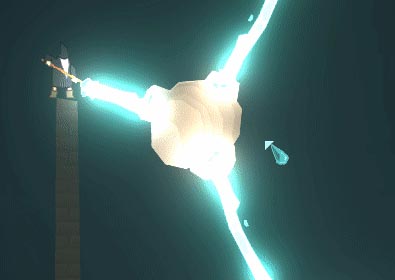
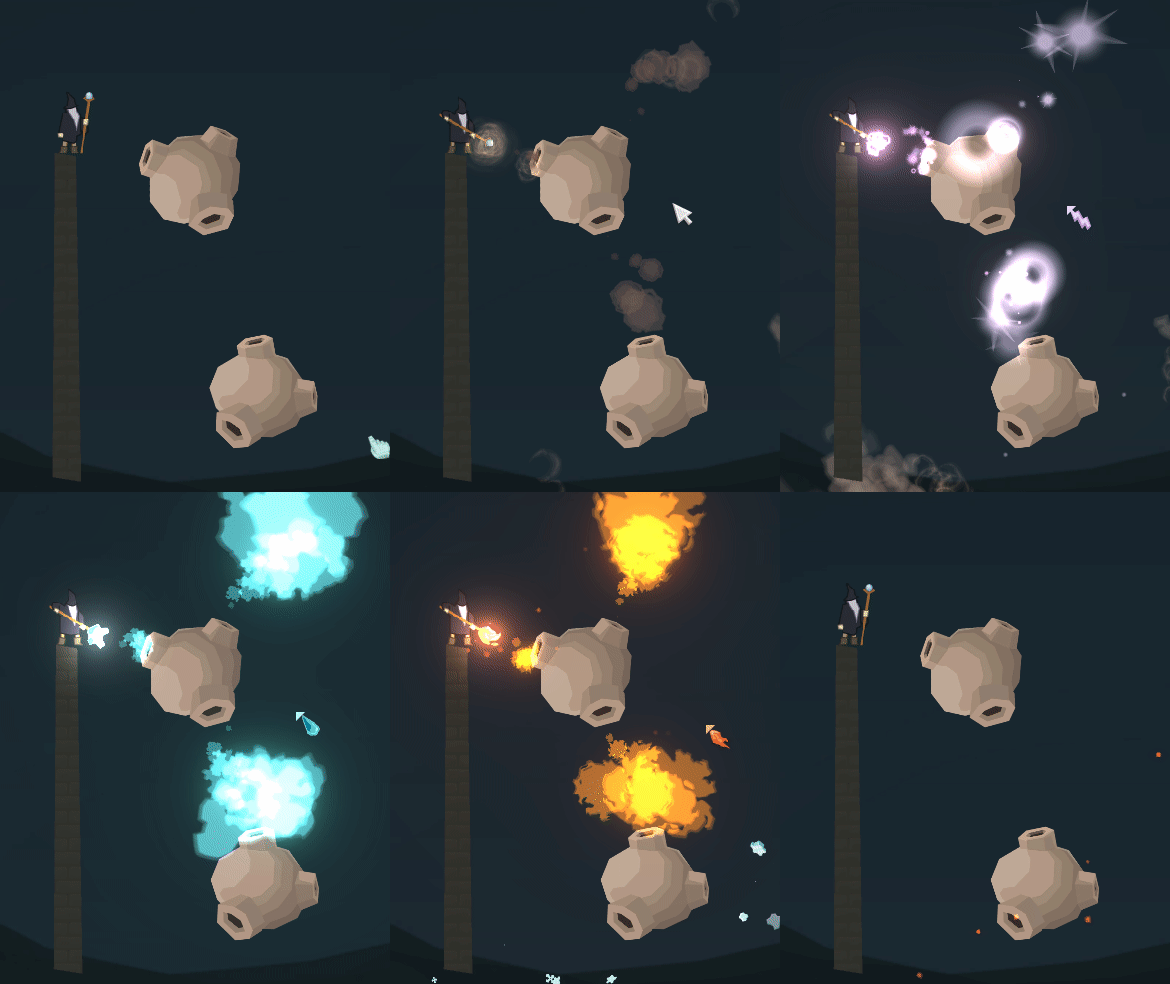
Back in 2024, I introduced a new type of entity for my Unity 2D mage game. The Magic Deflector™, unsurprisingly, deflects magic effects. So, what does it do? It deflects multiple kinds of magic effects like projectiles, long thin beams and cone-shaped, scattered particle beams. With this article I want to show a preview of this feature and give some background info – including technical insights and some sketches. Interested Unity developers may take some inspiration of how I realized this feature. Therefore, screenshots of code are attached further down. And if you just want to get entertained by the GIFs – you’re also welcome!
Let’s start with animated preview GIFs:
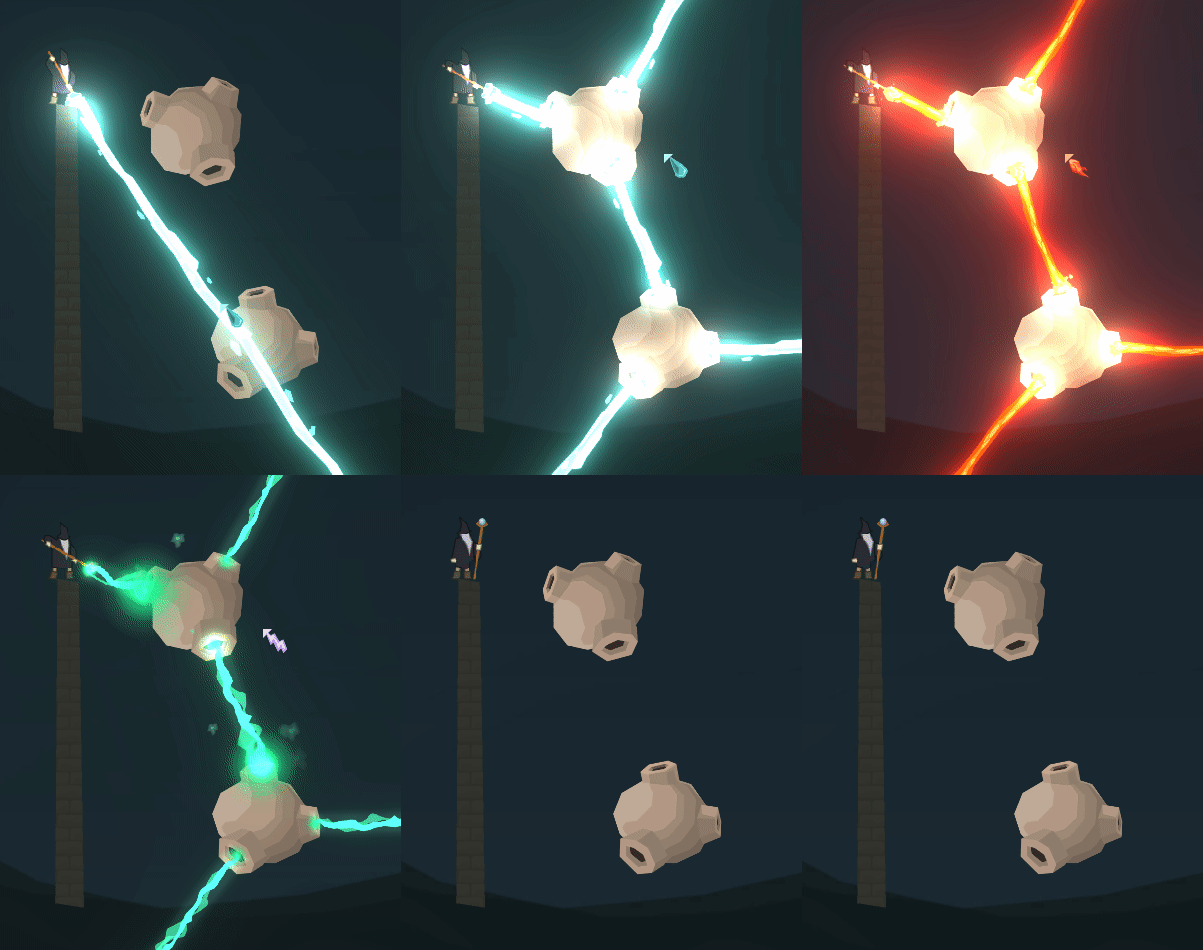
Or it looks like this:
And then, this funny error with a complex, scattered lightening effect almost risks to freeze-crash the game… it is fascinating to look at. And it made me nervous initially.
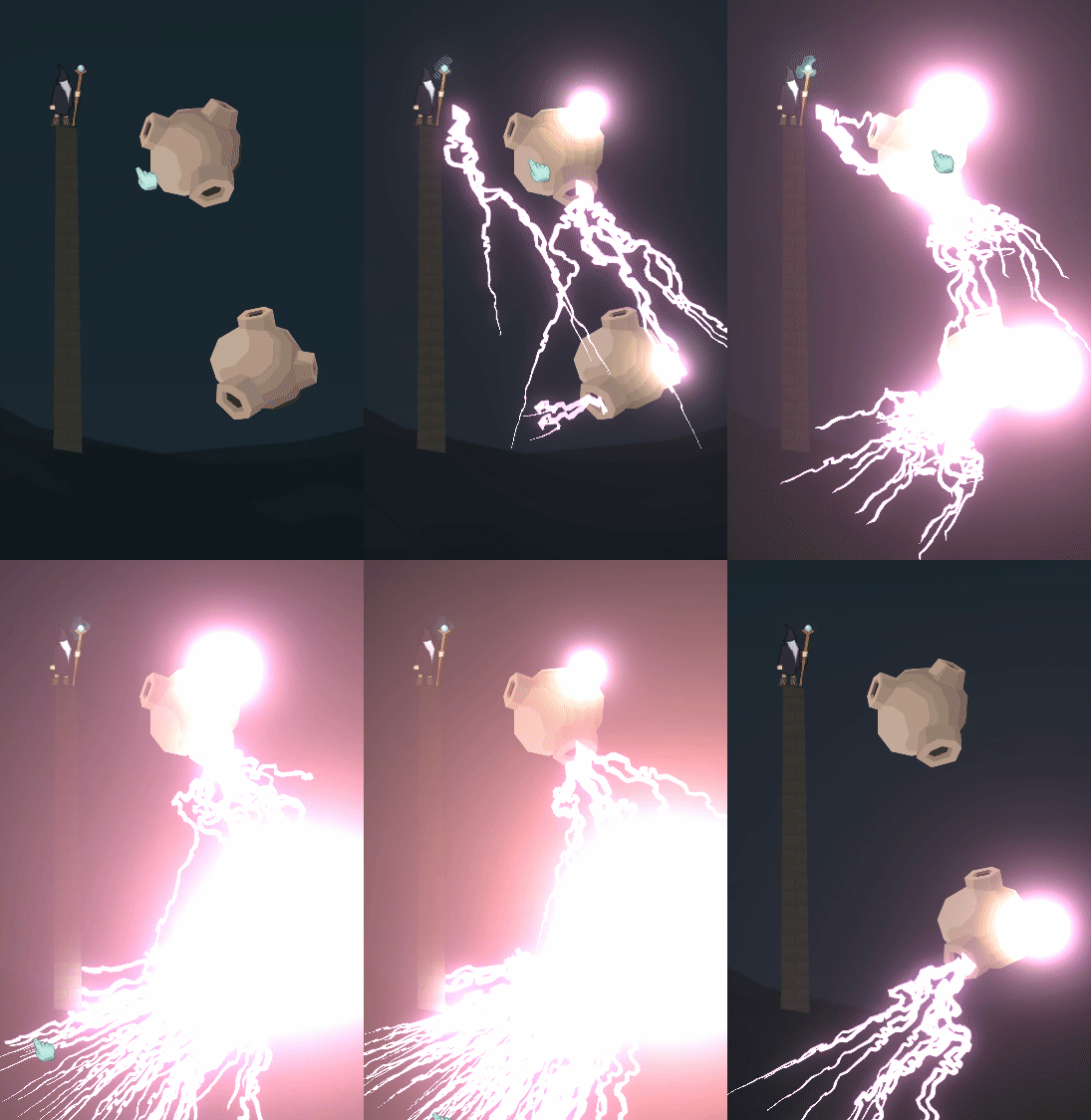
The reason: Each sub beam is interpreted as a single, complete incoming effect. Hence, the outgoing amount of lightening amount cumulates on each deflection. Example: 3 Beams from the same effect entering deflector 1, that results in 3 exiting effects.
Why this feature?
There is always a need for interesting game mechanisms. Not only for the player, but for NPCs, too. No matter if accidentely or intentionally used. Imagine a boss level in which such magic deflectors are the only way to deal damage to the oppoent. Or where an opponent uses them to hit the player unexpectedly. With simple, fully-scripted scenarios the AI shouldn’t even need adjustment to use this feature; e.g. by defining a targetted attack action, whereas the target may be an gameobject, a position or a direction.
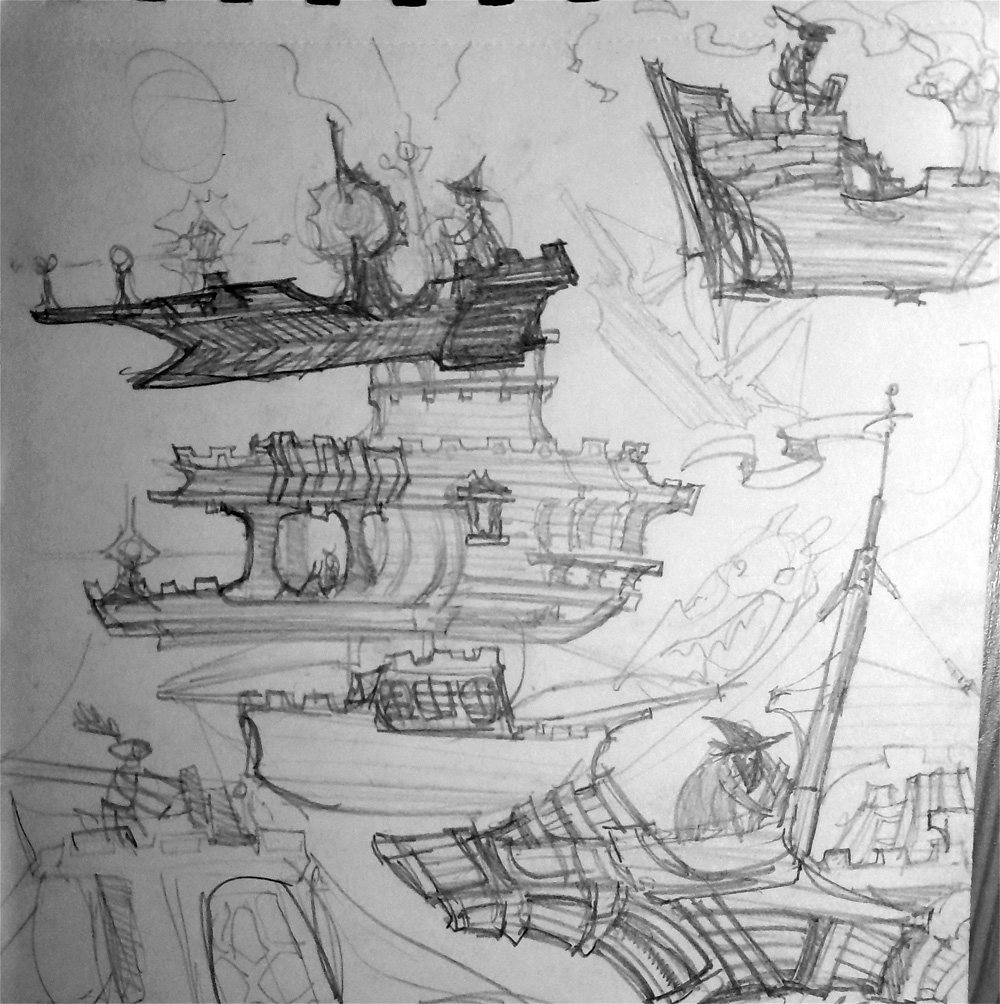
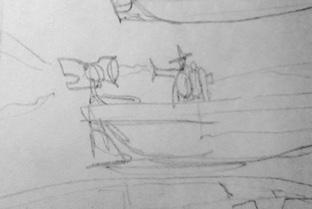
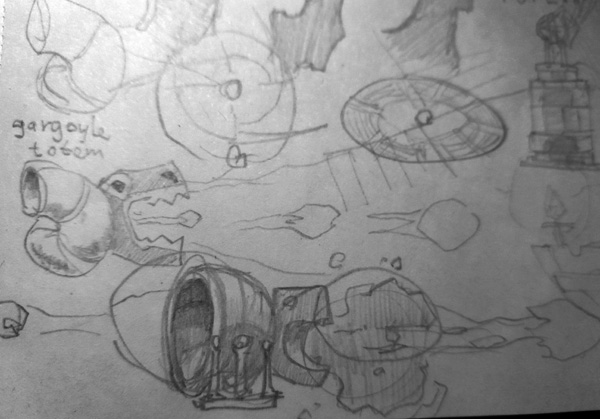
Actually, the idea was more or less a spin-off feature from another meachnism. In my game, you can steer air ships and I wanted to mount them with funny mechanisms to shoot from. In the following sketches, you can see the original idea and how it then evolved.
The implementation / programming side
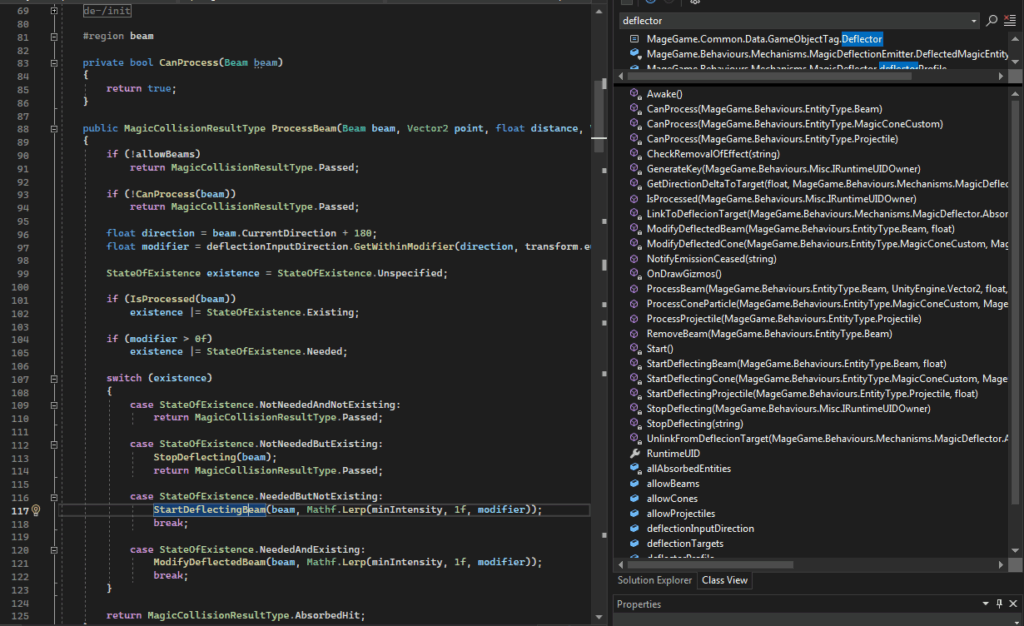
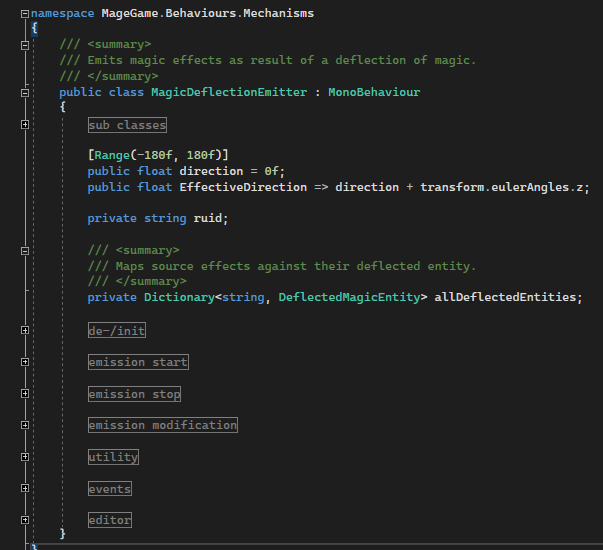
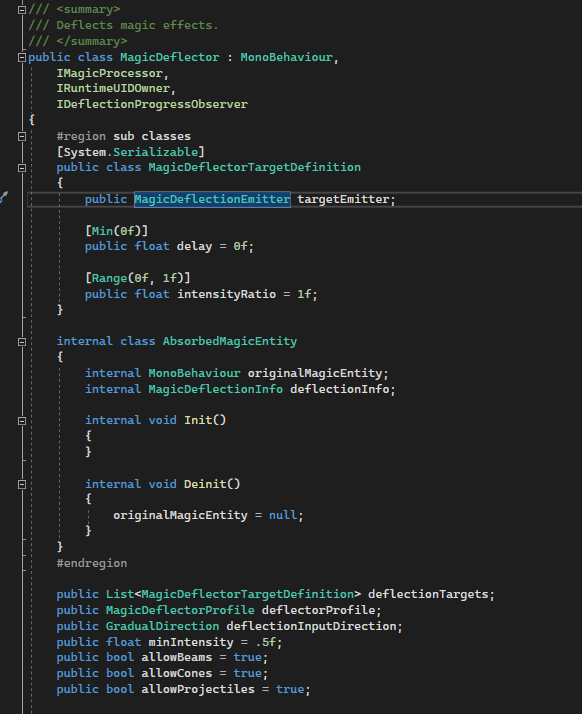
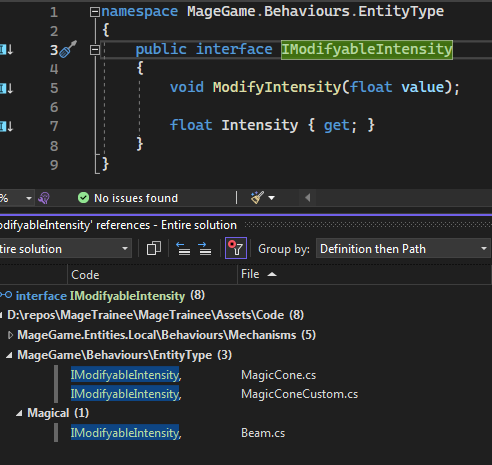
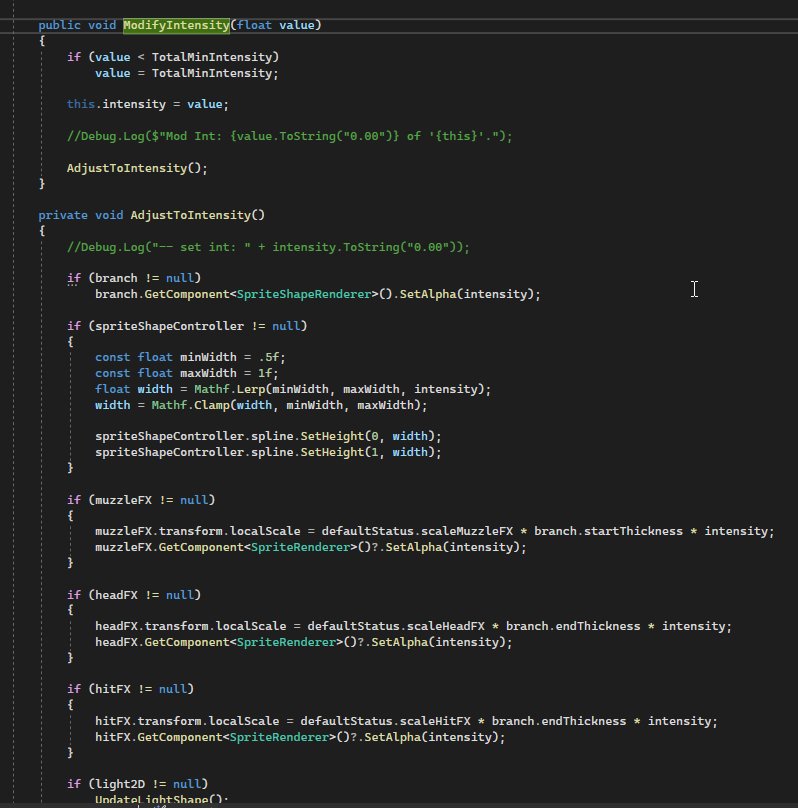
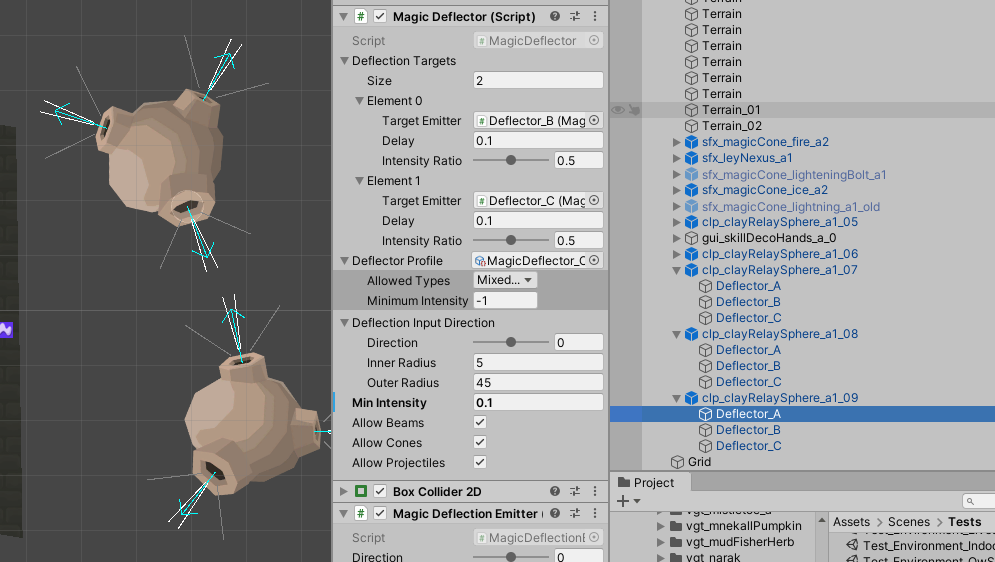
Phew, it was much harder than I thought in the beginning. Each magic effect had to be adjusted. Furthermore, each magic type had to be handled specifically. As one could imagine – or not – the projectile-based magic was the easiest part: Clear old projectile here, create new effect over there! That is what is basically needed. Therefore, two behaviours were introduced: The behaviour that “eats” the magic (see image below) plus the behavior that spews the effect out again (actually a copy of the incoming effect).
Conclusion
Summing up, this feature was challenging to implement – and I still have to cope with the lighting-freez-bug. But I was able to implement the modifyable-intensity feature for magical effects that I thought of several times before. Finally, I have a new cool entity type in my tool box for the next time when I am designing a new level.
Hope, you could enjoy the article and maybe learn something, or get some inspiration.
Image source: Yves Scherdin, screenshots/gifs from Unity/Visual Studio + photos of sketchbook (2024-2025)